Features
Everything Mylo does, in one place.
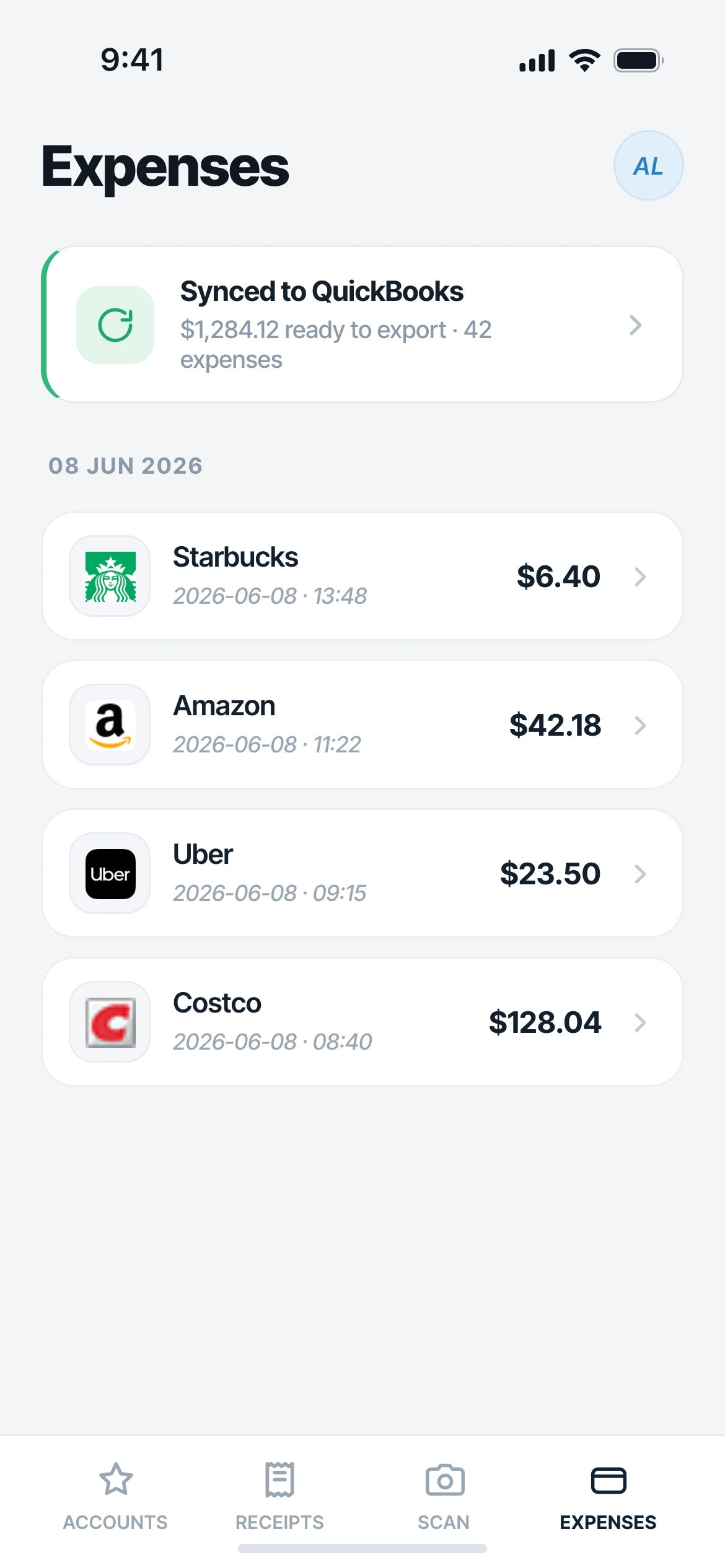
Mylo is the expense and receipt app that runs on the cards you already carry. It captures receipts from your email inboxes, accounts and camera roll, matches them to your bank and card transactions, and syncs clean, categorized expenses to QuickBooks. No new card. No data entry.


30-day free trial. No card required, cancel anytime.
Autopilot
Expenses that file themselves.
Mylo infers why you spent and drafts the expense before you ask, so subscriptions and whole trips write themselves up.
Autopilot
Expense Autopilot
Connect the accounts you already have and Mylo infers why you spent, drafting each expense categorized and ready to submit, from a monthly subscription to a whole trip. No new card, no data entry.
Read the detailed guide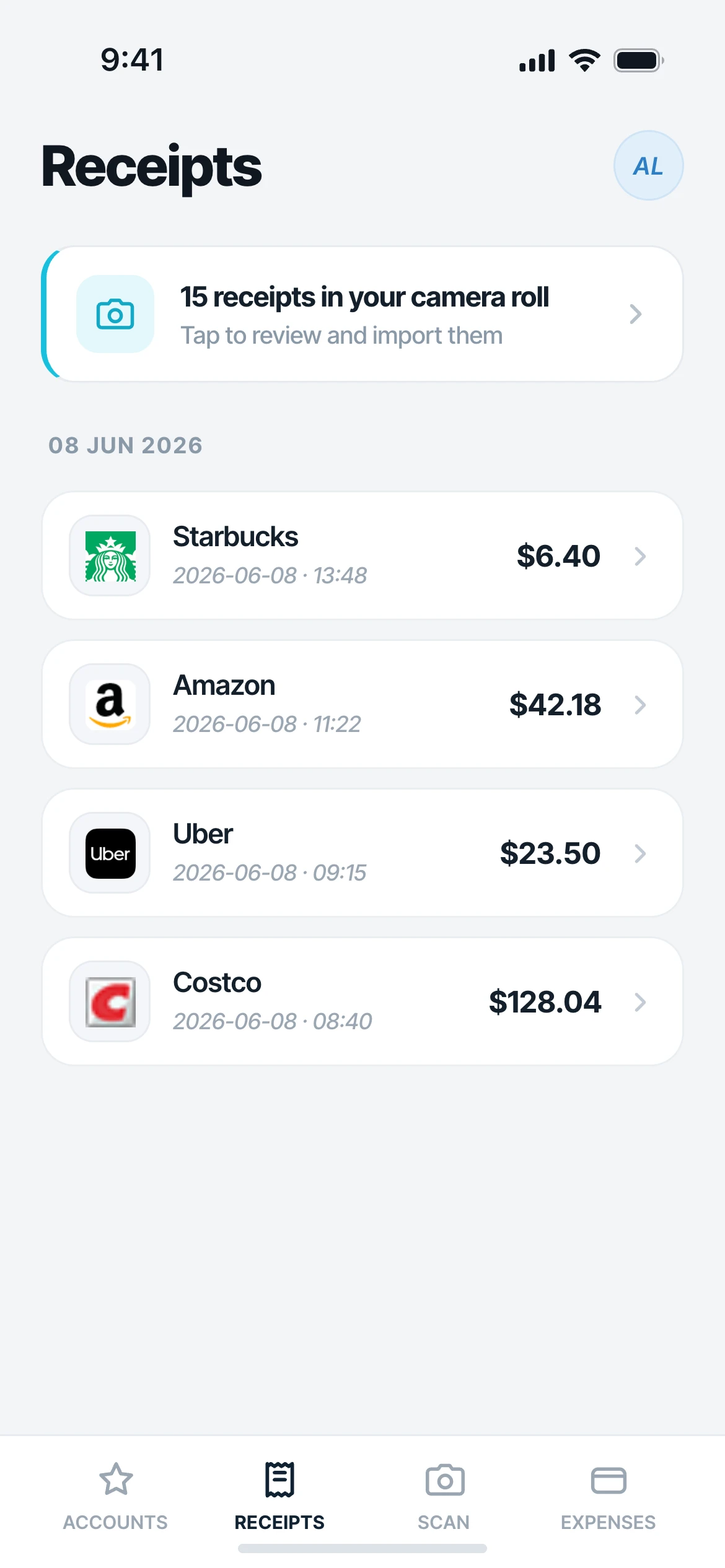
Autopilot
Travel mode
Mylo detects a trip from your flight, rideshare and hotel spend, then gathers every out-of-pocket charge and un-expensed receipt from the trip into a draft report on its own.
Read the detailed guide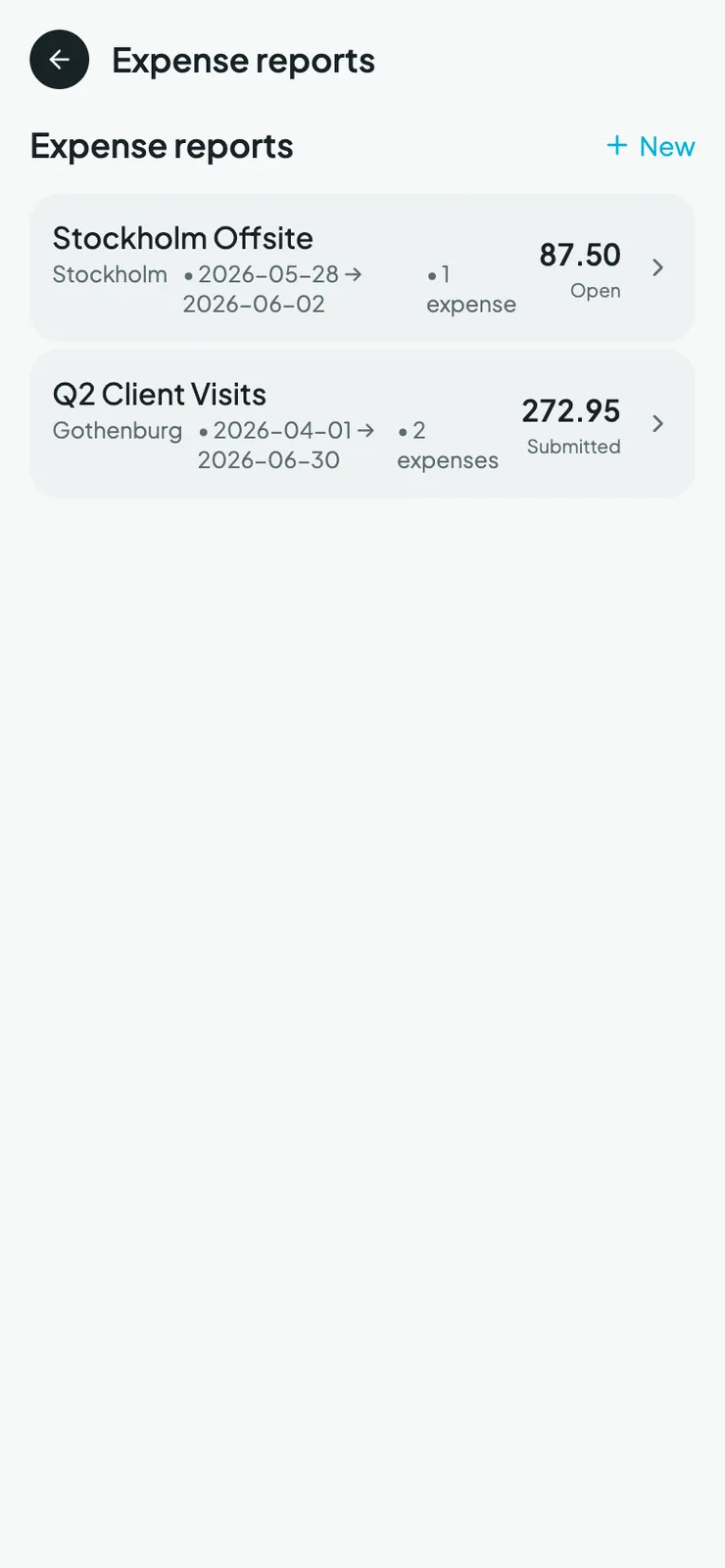
Autopilot
Mileage
The drive is the one business expense that leaves no receipt, so it is the one that always goes missing. Log the trip and Mylo works out the distance and files it alongside the rest of your spend.
Read the detailed guideHow Mylo works
Capture, match, understand, sync.
Every feature folds into one quiet loop that runs in the background, from the moment you spend to the moment it hits your books.
- 1
Capture
Mylo gathers receipts from your inboxes, store logins, camera and photo roll automatically.
- 2
Match
Each receipt is matched to the card or bank transaction that paid for it, through Plaid.
- 3
Understand
Ask anything in plain English. Mylo categorizes, answers and builds the report for you.
- 4
Sync
Clean, categorized expenses post to QuickBooks, ready for the books.
Capture
Get every receipt, automatically.
However a receipt shows up, email, camera, a text or behind a store login, Mylo grabs it and files it.
Capture
Auto-capture
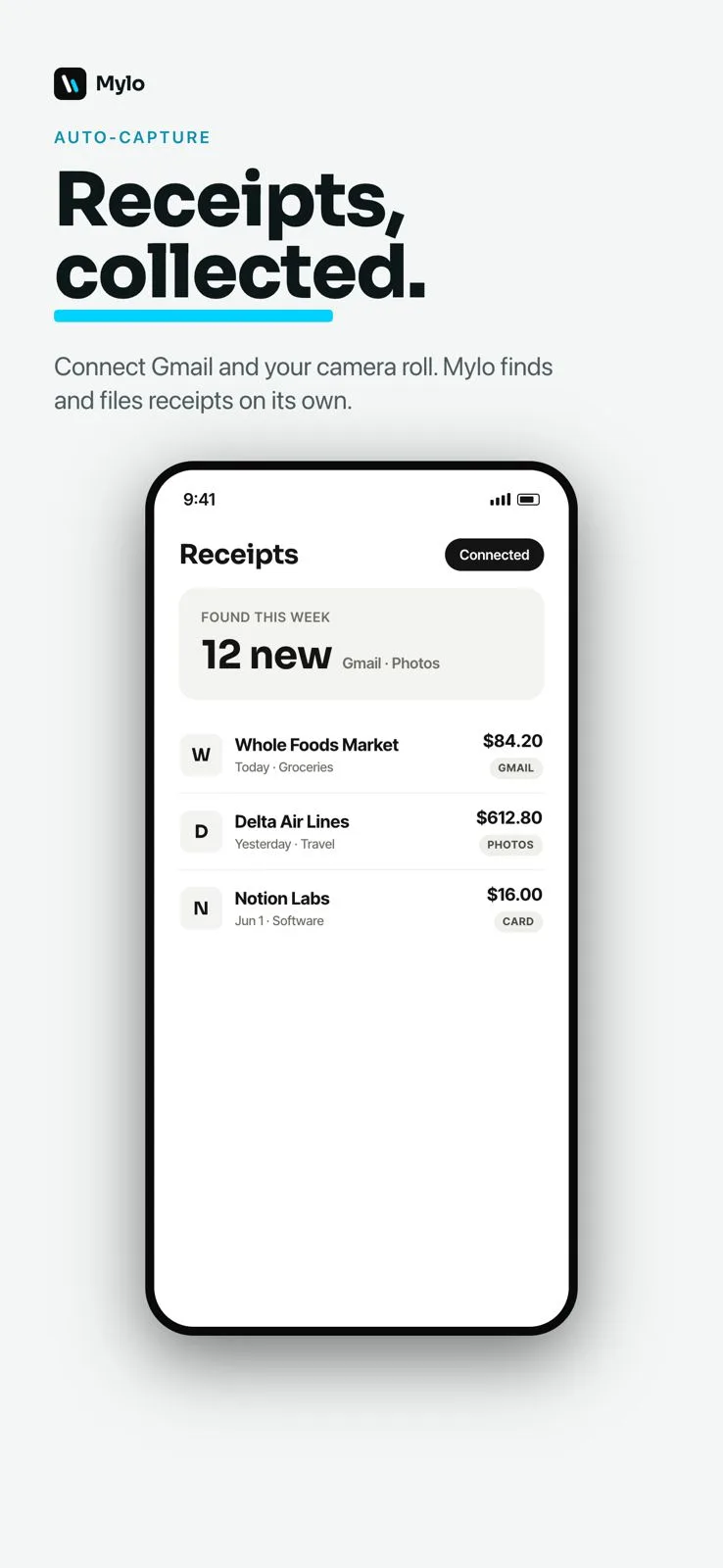
Connect Gmail and your camera roll once. Mylo continuously scans for receipts, reads the merchant, date, amount and tax, and files each one as a categorized expense without you lifting a finger.
Read the detailed guide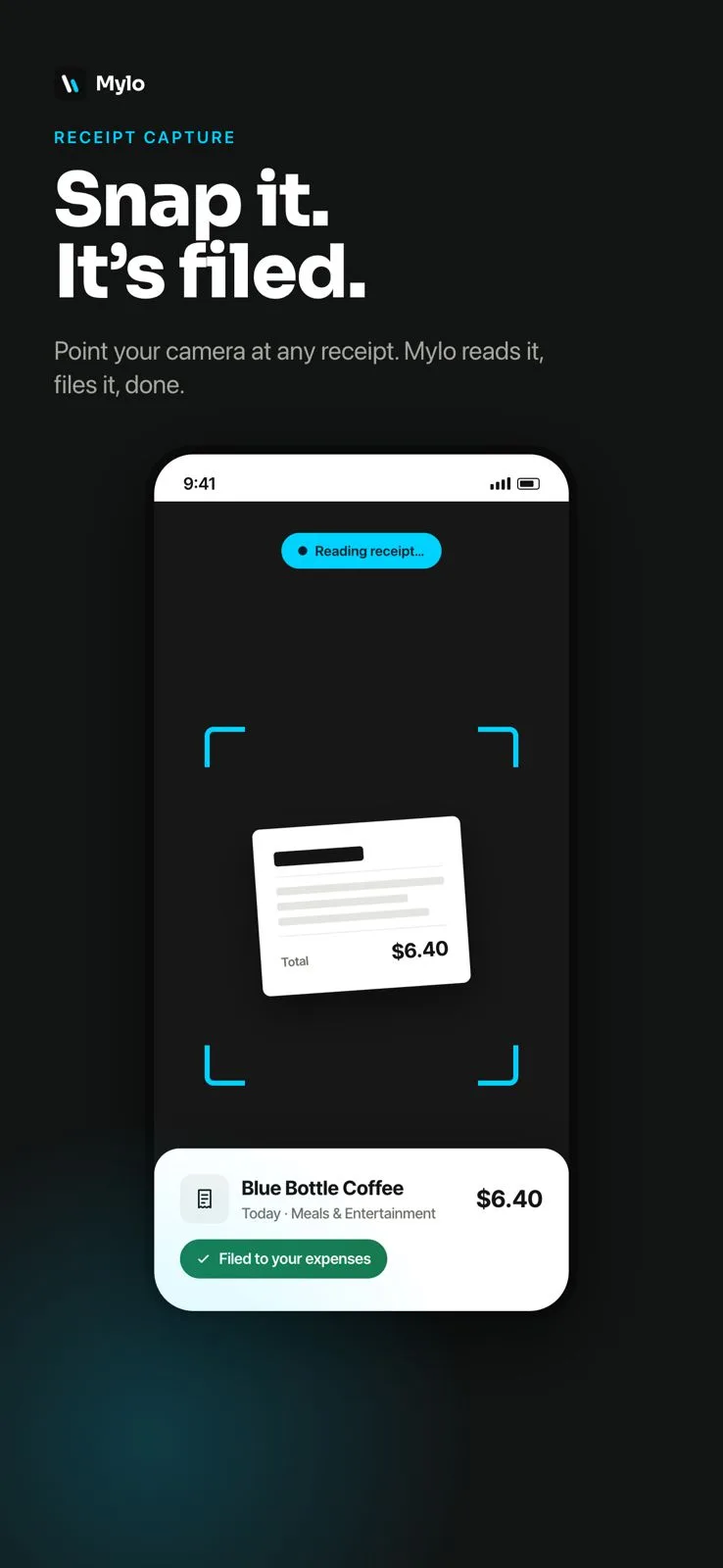
Capture
Receipt scan
Point your phone at any paper or on-screen receipt. Mylo reads the total, merchant and category instantly and files it against the matching transaction.
Read the detailed guideCapture
Email receipts
Connect Gmail, Outlook, iCloud or Yahoo and Mylo reads the receipts already sitting there, going back through your history. Access is read-only and scoped to receipts, so everything else in the inbox is ignored.
Read the detailed guide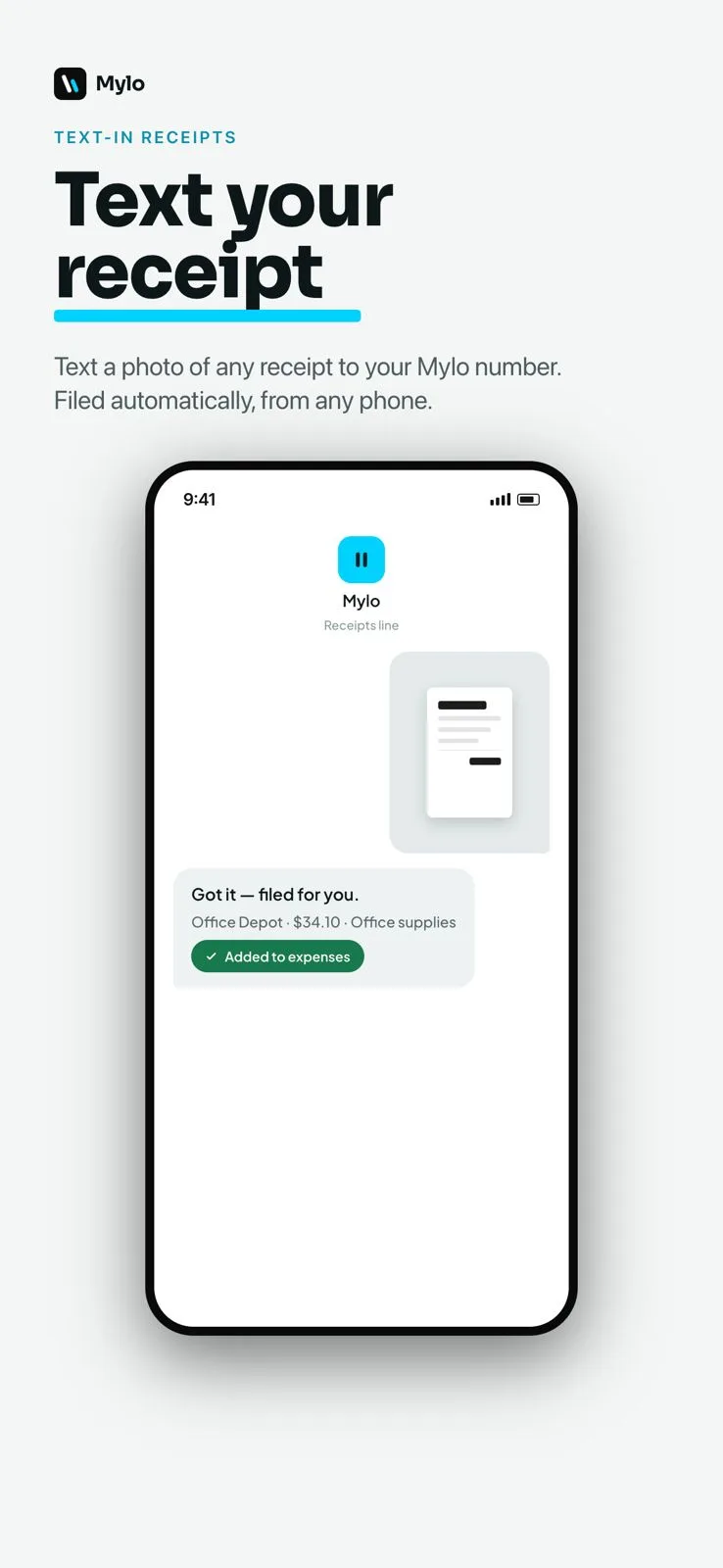
Capture
Text-in receipts
Text a photo of any receipt to your Mylo number, even from a phone without the app installed, and it is parsed and filed automatically.
Read the detailed guide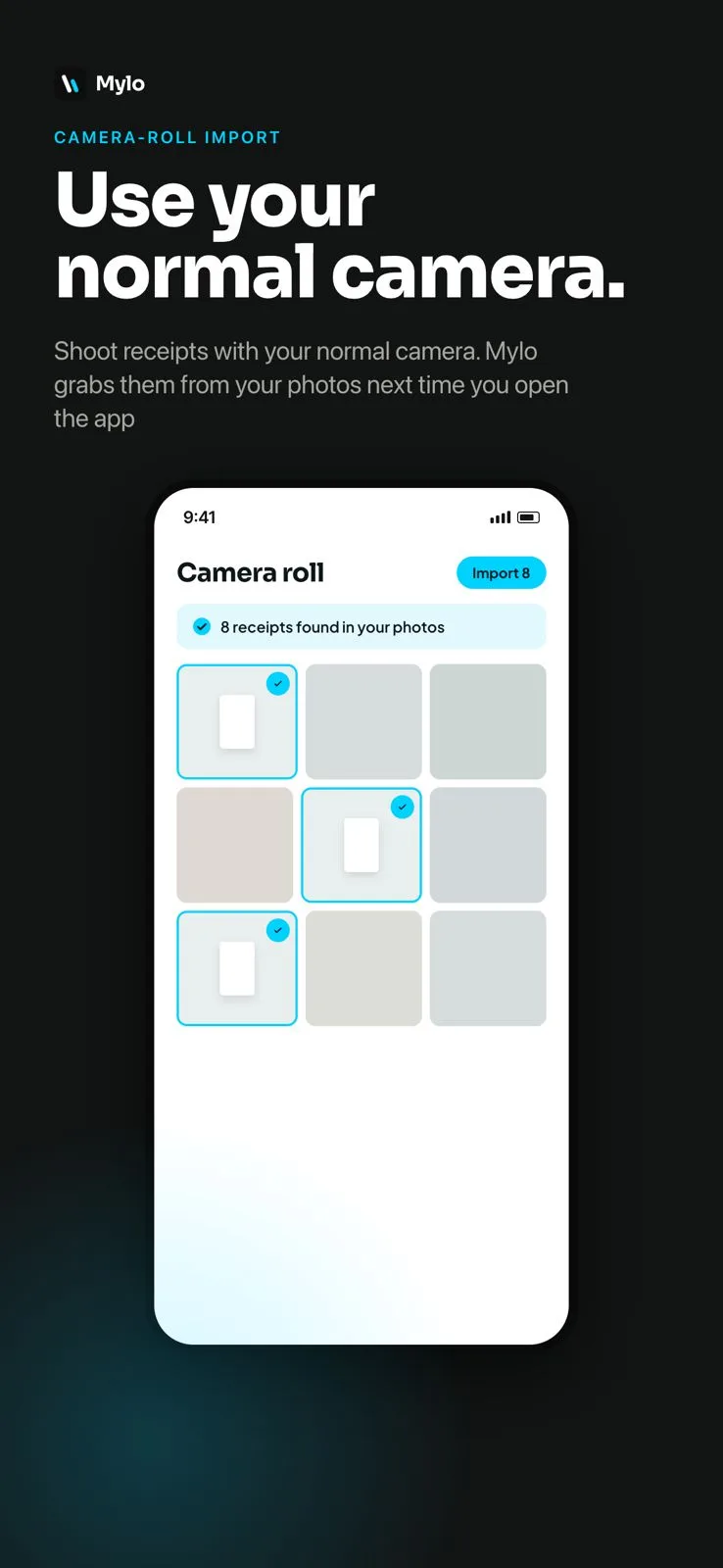
Capture
Camera-roll import
On iPhone, Mylo uses on-device Apple Intelligence to find receipt photos in your camera roll and match them to open transactions. Nothing leaves your device until you confirm.
Read the detailed guide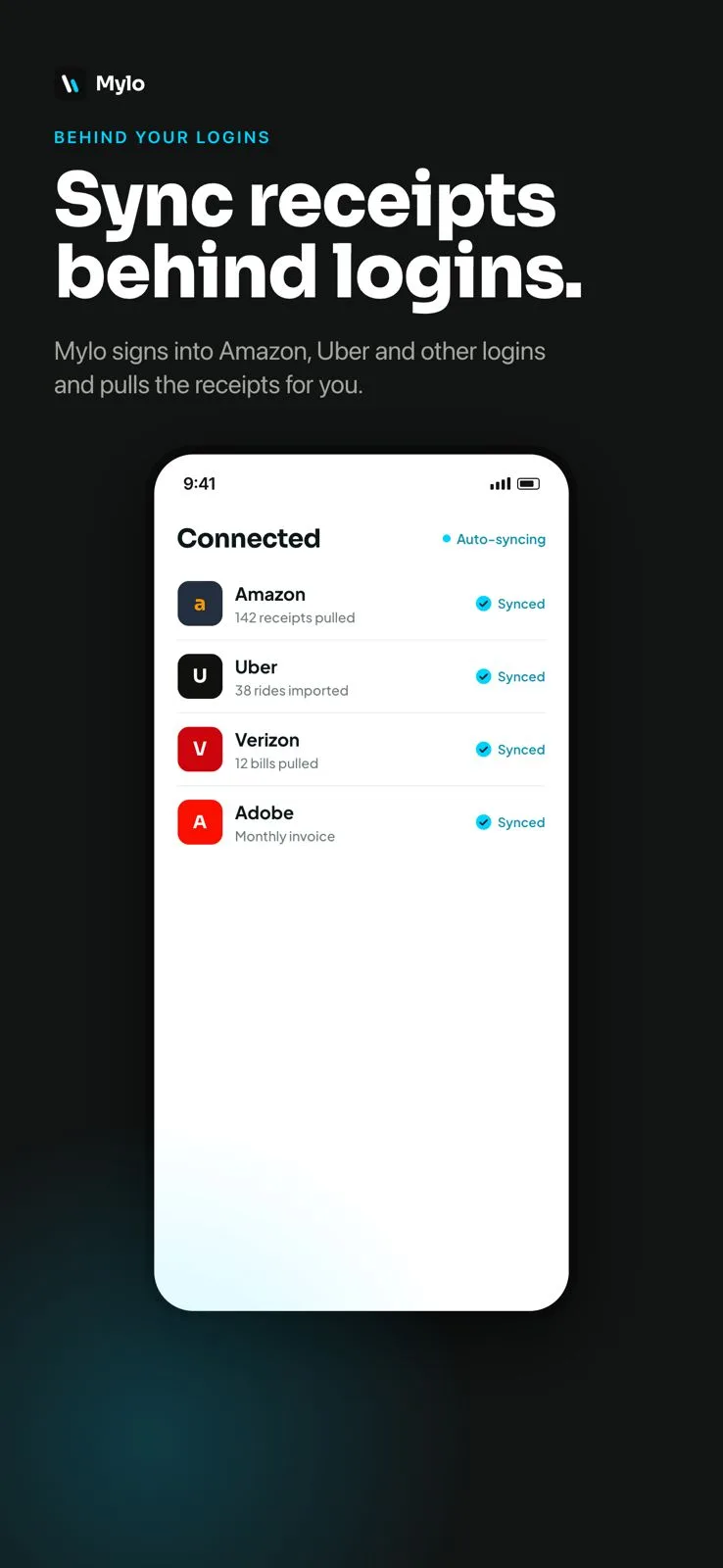
Capture
Retailer login sync
Securely connect store and service logins like Amazon, Uber, Verizon and Adobe. Mylo signs in and pulls itemized receipts and invoices for you, automatically.
Read the detailed guideWorks with what you use
Connected to your whole stack.
Mylo plugs into the banks, cards, email inboxes, accounts and accounting tools you already rely on.
Banks & cards
12,000+ via Plaid
Card networks
Visa, Mastercard, Amex
Inboxes
Gmail, Outlook, iCloud, Yahoo
Accounting
QuickBooks
Stores & services
Amazon, Uber, Verizon, Adobe
Platforms
iOS, Android, Web
Pulls receipts from stores like









Match & ask
Match it, then ask anything.
Mylo lines every receipt up with the transaction that paid for it, then answers anything about your spend.
Match & ask
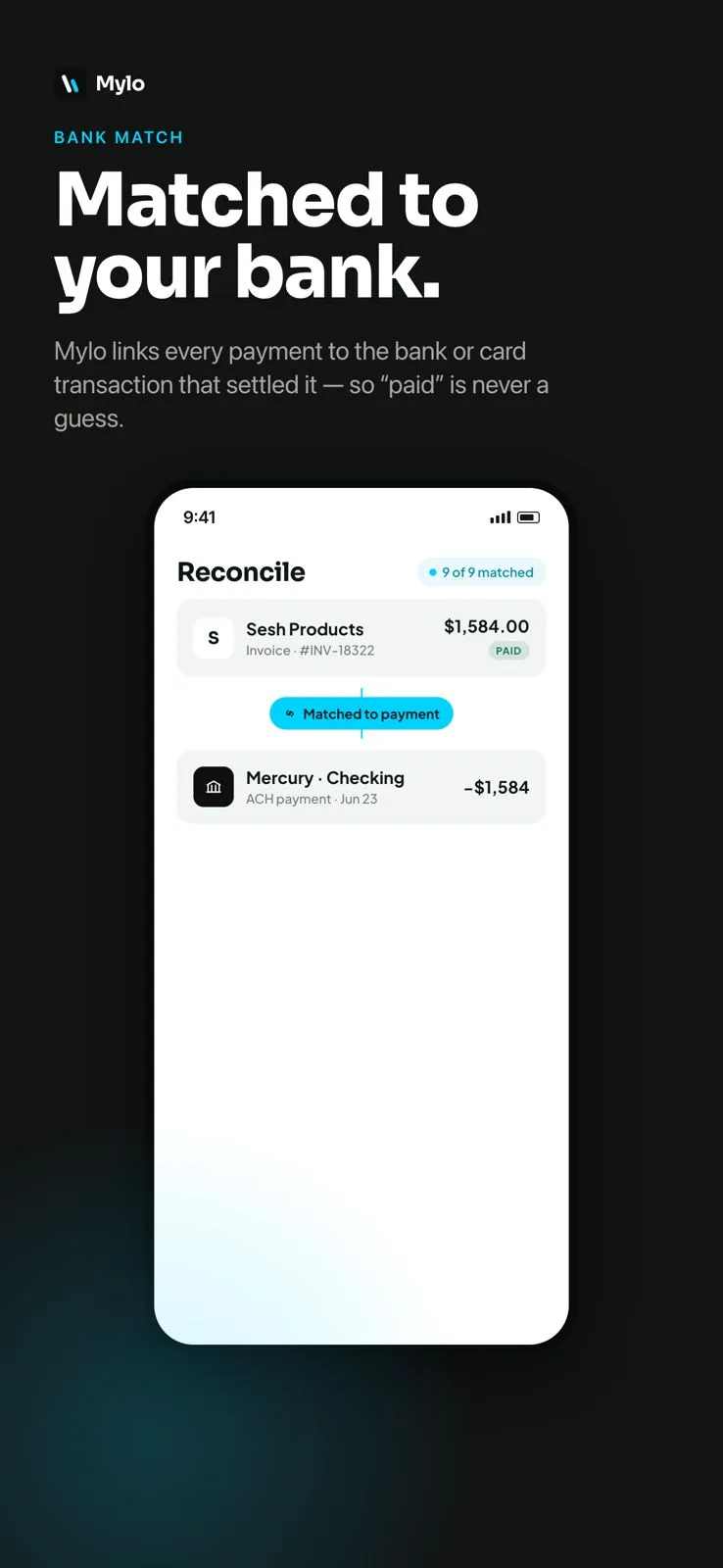
Bank match
Through Plaid, Mylo links every receipt to the exact bank or card transaction that settled it, across more than 12,000 institutions, so "paid" is never a guess.
Read the detailed guide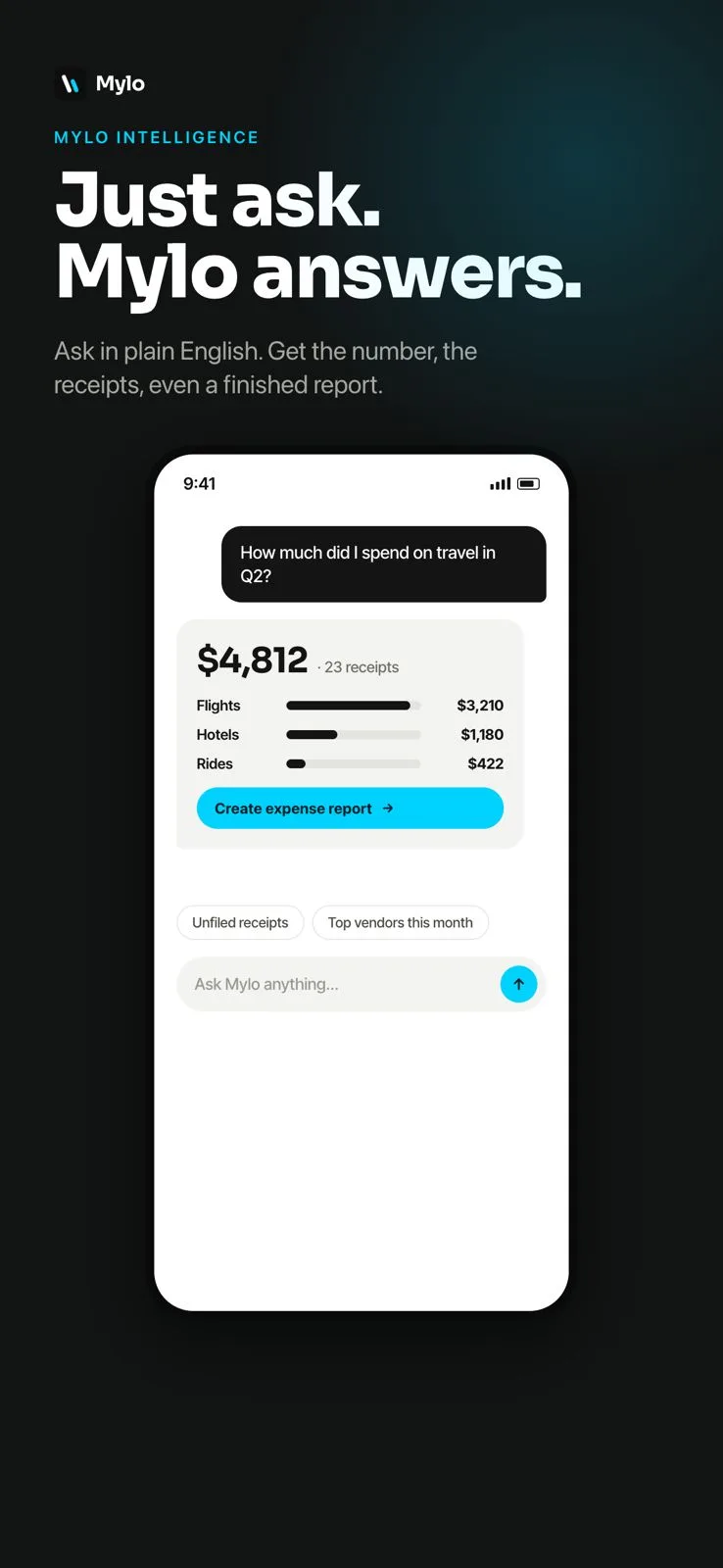
Match & ask
Mylo Intelligence
Ask questions like "how much did I spend on travel in Q2" in plain English. Mylo returns the number, the receipts behind it and a ready-to-send expense report.
Read the detailed guide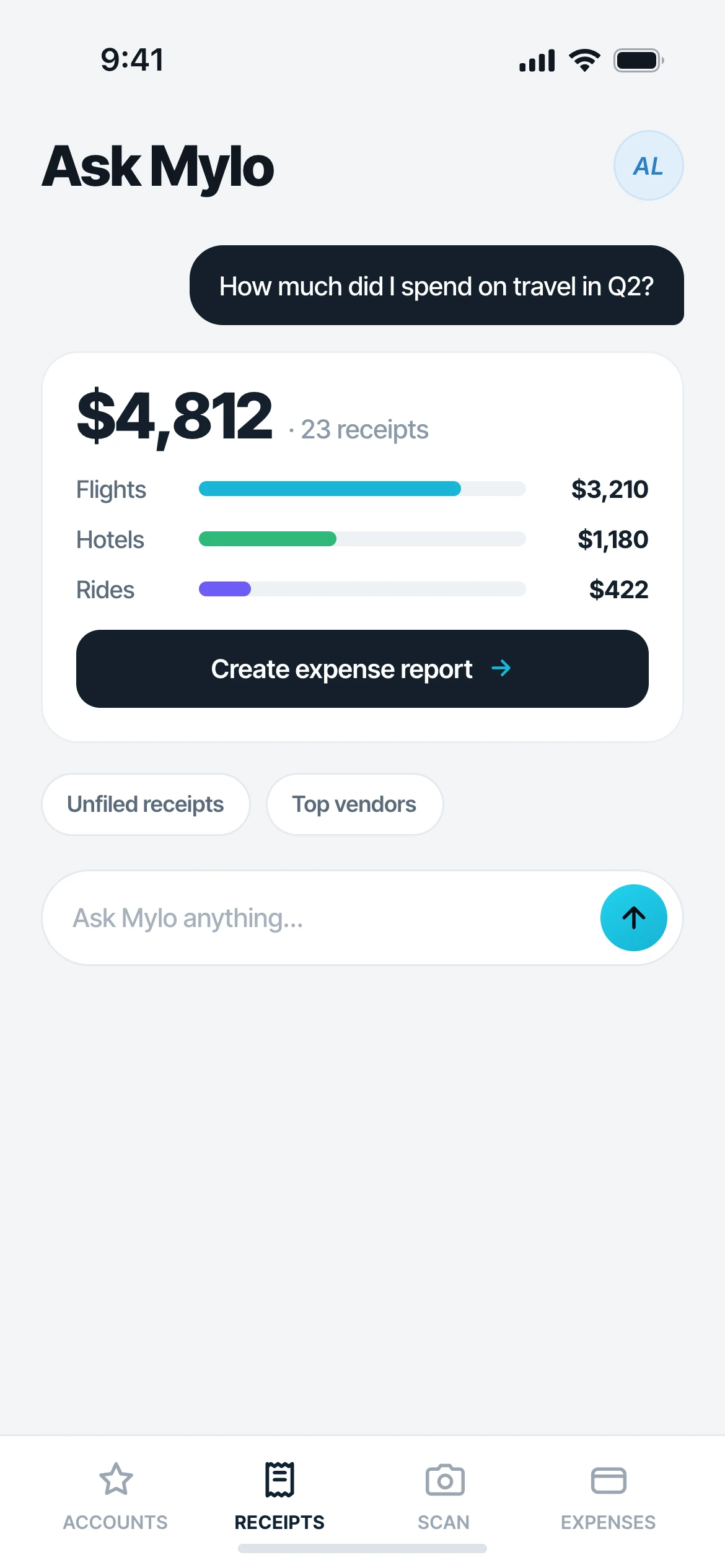
Match & ask
AI assistants
Connect Claude, ChatGPT or Gemini to your Mylo data with a secure read-only connector, and ask about receipts and expenses or build reports straight from the assistant you already use.
Read the detailed guide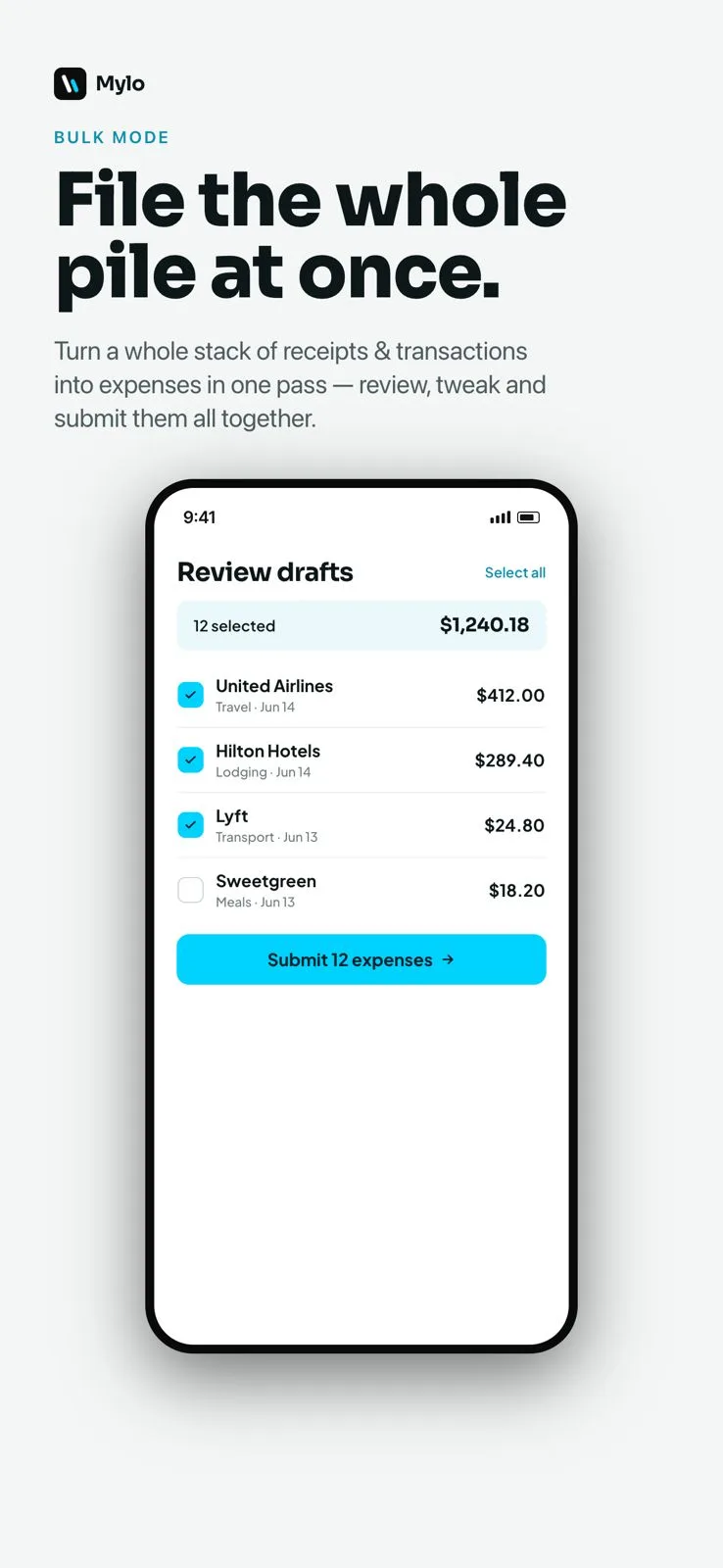
Match & ask
Bulk mode
Turn a whole backlog of receipts and transactions into expenses in one pass. Review, tweak categories and submit them all together.
Read the detailed guideSecurity & privacy
Built to be trusted with your money.
Mylo only ever touches what it needs to file an expense, and you stay in control of all of it.
Bank-grade connections
Bank and card data flows through Plaid with bank-grade encryption. Mylo never sees or stores your banking credentials.
Read-only by design
Inbox and store access is read-only and scoped to receipts. Mylo ignores everything else.
On-device matching
Camera-roll receipt matching runs on your iPhone with Apple Intelligence. Photos stay on your device until you confirm a match.
You own your data
You decide exactly which receipts and expenses are ever shared or exported, and you can disconnect any source at any time.
Who it is for
Made for anyone who expenses.
Freelancers & contractors
Keep your own cards and points, capture every deductible receipt, and hand your accountant a clean export at tax time.
Small businesses & teams
Give everyone one-tap expensing with approvals and shared exports, without issuing a single new corporate card.
Finance leads & bookkeepers
Close the month faster with payables, bank matching and a QuickBooks sync that keeps categories and tax correct.
Feature FAQ
Questions, answered.
Is Mylo free?
Mylo is free to download on iOS, Android and the web and comes with a 30-day free trial of Pro. After the trial, Pro is $9 per user per month. No card is required to start.
Do I need a new credit card to use Mylo?
No. Mylo works on top of the Visa, Mastercard and Amex cards you already use. There is nothing to apply for and nothing to switch, so you keep your existing cards and rewards.
Which banks and cards does Mylo support?
Mylo connects to more than 12,000 banks and card issuers through Plaid, covering most US checking, savings and credit card accounts.
Where do receipts come from?
Mylo captures receipts from email inboxes such as Gmail, Outlook, iCloud and Yahoo, from connected store logins like Amazon and Uber, from your camera, from your photo roll, and from texts sent to your Mylo number.
Does Mylo sync with QuickBooks?
Yes. Approved expenses sync to QuickBooks already categorized and with the right tax applied, with more accounting integrations on the way.
What platforms is Mylo on?
Mylo is available on iOS, Android and the web, and your receipts stay in sync everywhere you sign in. Automatic camera-roll matching is iPhone-only because it relies on on-device Apple Intelligence.
How is my financial data protected?
Bank connections run through Plaid with bank-grade encryption, camera-roll matching happens on your device, inbox access is read-only, and you decide exactly which receipts and expenses are ever shared or exported.
Put all of it on autopilot.
Set up in a few minutes, on the cards you already carry.
30-day free trial. No card required, cancel anytime.