Receipt capture · Email
The receipts are already in your inbox.
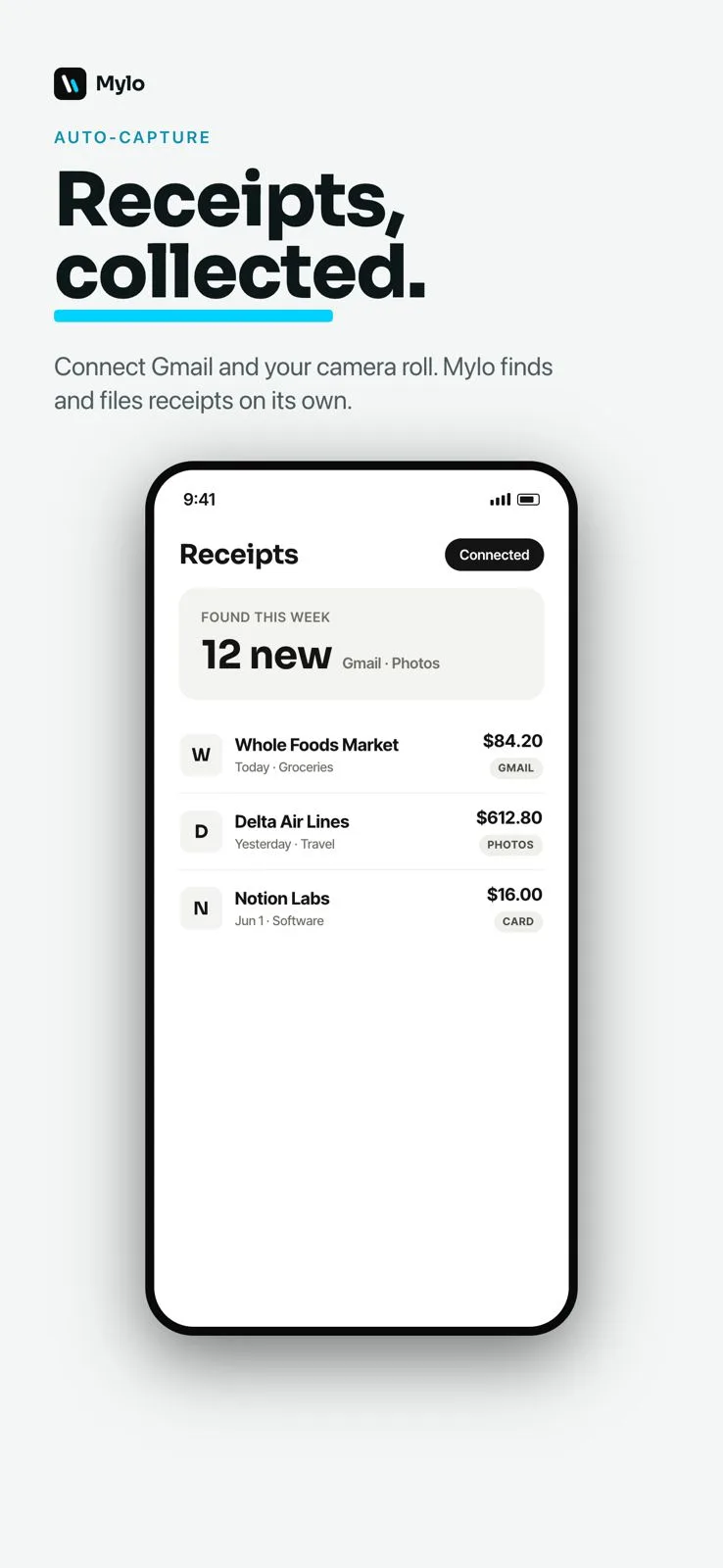
Search your mail for “your receipt from” and look at what comes back. Years of it. Order confirmations, invoices attached as PDFs, subscription renewals, an Uber from a Tuesday in March. All of it arrived, none of it was ever filed. Mylo connects to your inbox read-only, reads those messages, and turns them into categorized expenses. Including the old ones.


30-day free trial. No card required, cancel anytime.
How it works
Connect the inbox, get the history.
Most tools start counting from the day you sign up. Mylo goes backwards first, because the expenses you are behind on are the ones already in your mail.
-
Step 1
Connect your inbox
Sign in to Gmail, Outlook, iCloud or Yahoo once and grant read-only access. Connect as many mailboxes as you use.
-
Step 2
Mylo back-fills the old ones
It works back through the mail you already have and pulls out receipts and invoices from months and years ago.
-
Step 3
It keeps scanning after that
New receipts are picked up as they arrive, without forwarding, saving or labelling anything.
-
Step 4
Everything lands as an expense
Merchant, date, total and tax extracted, categorized, matched to the transaction, original message attached.
You already have the receipts. You just never had them filed.
Why it matters
Why the inbox is the best place to catch receipts.
You cannot forget to do it
Nobody forwards receipts reliably. The inbox already has them, so capture stops depending on anyone remembering.
The backlog gets handled
Old receipts come back with the new ones, so a quarter you never touched is suddenly reviewable.
Read-only by design
Mylo cannot send, delete or alter mail. Access is read-only and scoped to finding receipts.
Better than a search you run yourself
Receipt subject lines are wildly inconsistent. Mylo recognizes them by content, not by hoping the words match.
Read-only, scoped to receipts
Mylo looks for receipts. That is all it looks for.
Access is read-only, so nothing in your mailbox can be changed, moved, deleted or sent. Mylo identifies receipts, invoices and order confirmations and pulls those. The rest of your inbox is not what it is there for.
- Gmail, Outlook, iCloud and Yahoo
- Read-only. Mylo never sends, replies, deletes or files anything
- Personal mail, work threads and newsletters are ignored
PDF or HTML, it reads both
The invoice attached to the email counts too
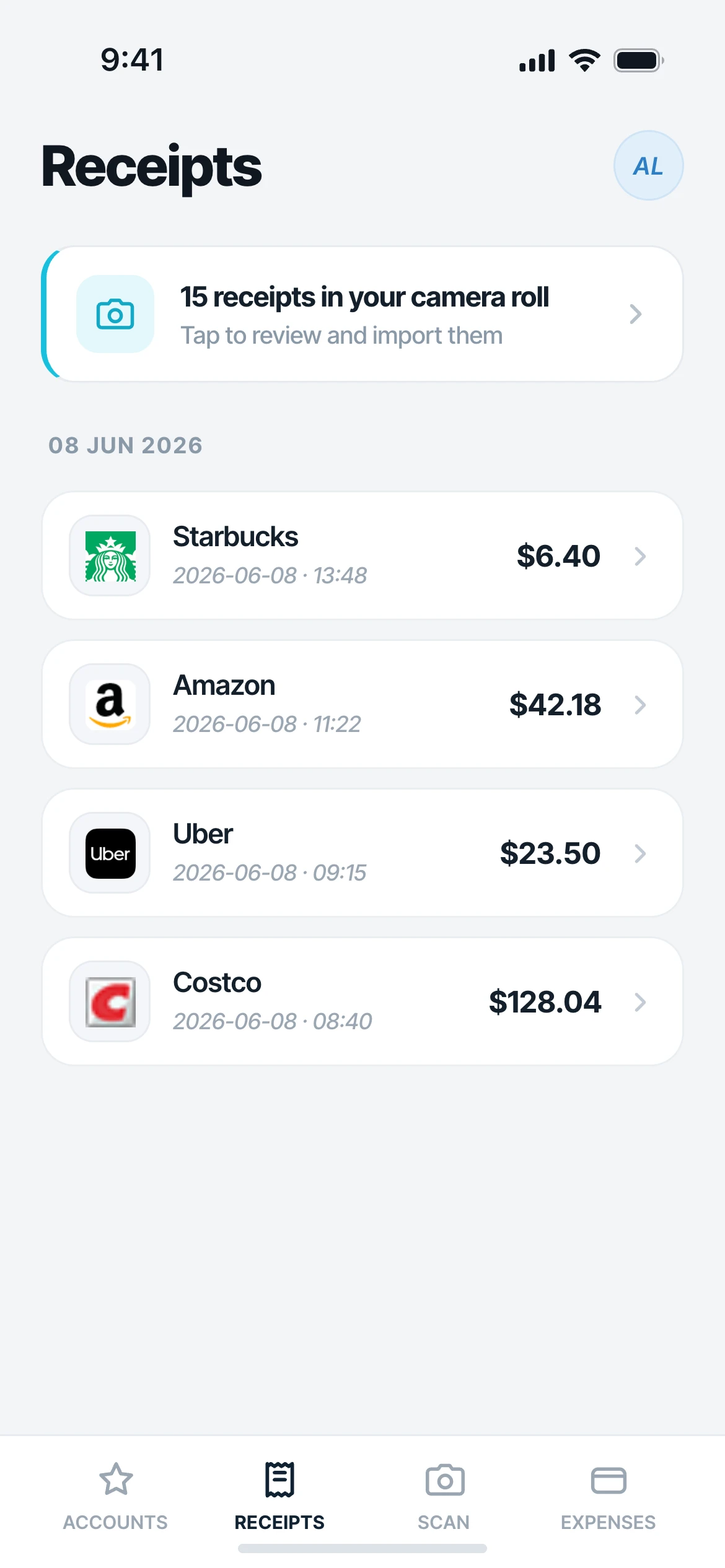
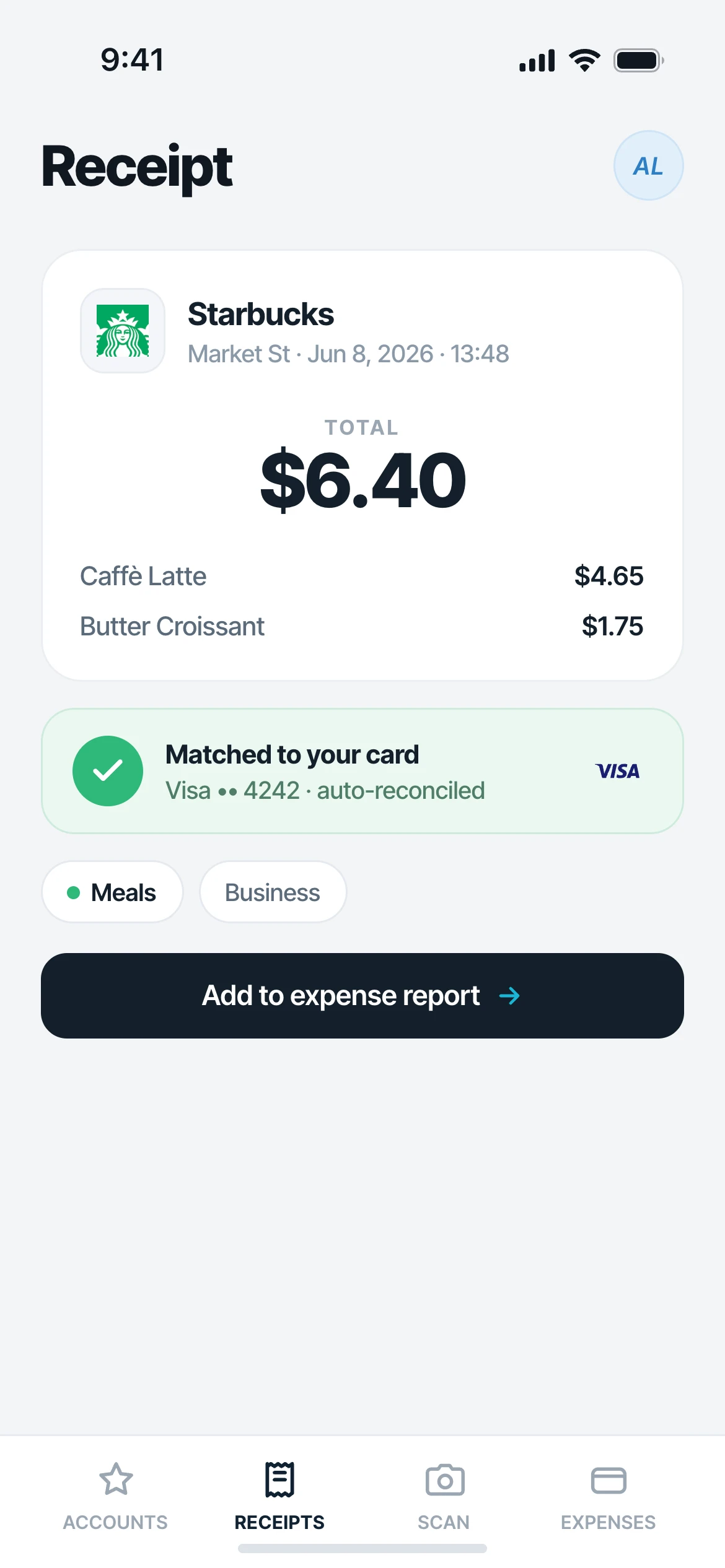
Half of what matters is an HTML receipt in the body of the message. The other half is a PDF invoice stapled to it. Mylo opens both, extracts the merchant, date, total and tax, and keeps the original attached as proof.
- HTML receipts read straight out of the message body
- PDF invoices opened and read as attachments
- Matched to the card or bank transaction that paid for it
Works with what you use
Works with the mail you already use.
Inboxes
Gmail, Outlook, iCloud, Yahoo
Reads
HTML receipts and PDF invoices
Matched against
12,000+ via Plaid
Syncs to
QuickBooks
FAQ
Questions, answered.
Which email providers can Mylo connect to?
Gmail, Outlook, iCloud and Yahoo. You can connect more than one mailbox, which is worth doing if your business receipts are split between a work address and a personal one.
Does Mylo read all of my email?
No. Access is read-only and scoped to receipts. Mylo identifies receipts, invoices and order confirmations and pulls those. It does not send, reply, delete, move or alter anything in your mailbox.
Will Mylo find receipts from before I signed up?
Yes. Mylo works back through the mail you already have, not just new messages. That is usually where the useful history is, because those receipts arrived and were never filed.
Can I still forward a receipt manually?
Yes. If a receipt lands somewhere Mylo is not connected to, forward it and it is read and filed the same way. Manual forwarding becomes the exception instead of the routine.
Does it read PDF invoices, or only the email body?
Both. A lot of invoices arrive as a PDF attached to a short covering message. Mylo opens the attachment, reads the merchant, date, total and tax, and keeps the file attached to the expense.
Why not just set up a Gmail filter or a receipts label?
A filter sorts mail. It does not read the amount, categorize the spend, match it to the card transaction or attach it to an expense report. And it only catches subject lines you predicted in advance, so the unusual receipts still slip past. Mylo recognizes receipts by what is in them and turns each one into a finished expense.
Keep exploring
Connect your inbox and see what is in there.
Set up in a few minutes, on the cards you already carry.
30-day free trial. No card required, cancel anytime.