Industries · Small business
No finance team. Books that still close.
At ten people there is no controller. There is a founder or an office manager doing expenses at 11pm, because that is when there is time. Meanwhile a Figma seat renews on a card nobody remembers adding, and the AWS invoice lands in an inbox nobody reads. Mylo drafts the expenses before anyone asks for them, and tells you what is renewing.


30-day free trial. No card required, cancel anytime.
How it works
What it takes to get set up.
Nothing to roll out, no card to issue, no policy document to write first. Connect two things and the drafts start arriving.
-
Step 1
Connect the inboxes
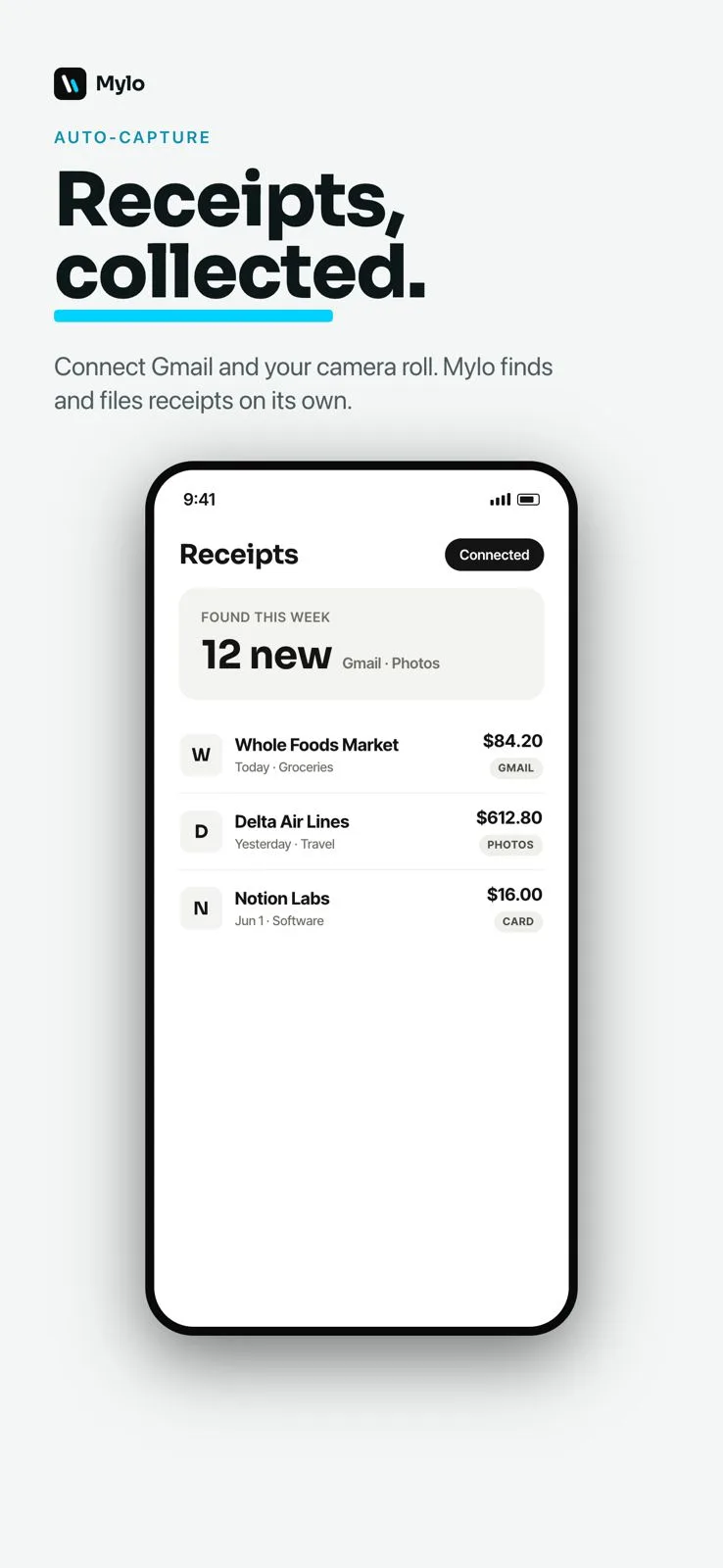
Gmail, Outlook, iCloud or Yahoo, read-only. Mylo finds the receipts and invoices already sitting in them, including the ones nobody ever submitted.
-
Step 2
Connect the cards you have
Your existing Visa, Mastercard or Amex through Plaid. Nobody applies for a new corporate card and no spend has to move.
-
Step 3
Expenses draft themselves
Receipts get read, matched and categorized into drafts. A backlog can be cleared in one pass with bulk mode.
-
Step 4
Ask instead of reporting
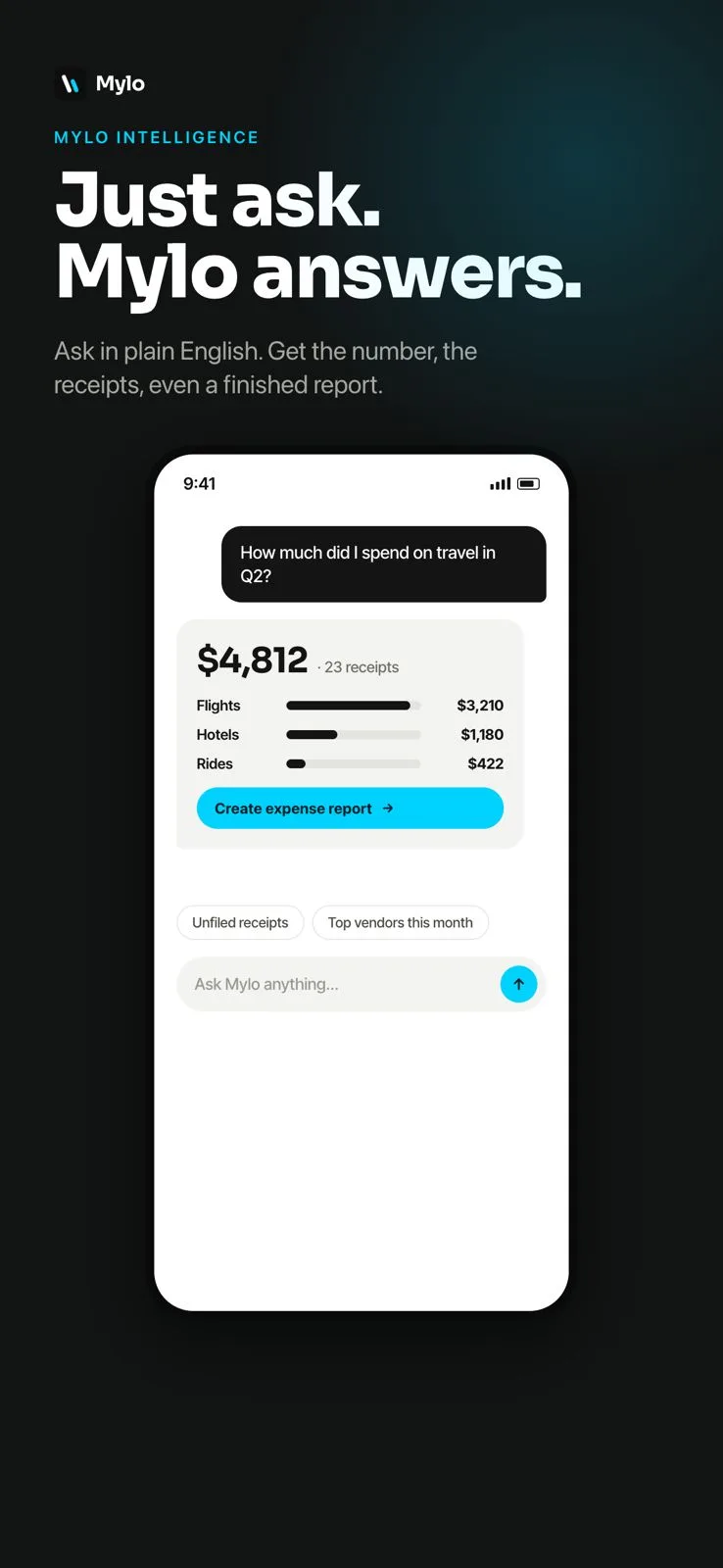
Ask what you spent on software last quarter in plain English, inside Mylo or from Claude, ChatGPT and Gemini.
The expense is already written. You just say yes.
Why it matters
Built for a team with no finance team.
The 11pm session gets shorter
Reviewing a drafted list is a different job from typing one. Most entries need a glance and a tap.
No new card to adopt
Everyone keeps the card they already use. No rollout, no credit application, no migrating spend to a new program.
Software spend stops hiding
Recurring charges get surfaced instead of renewing quietly across three inboxes and two personal cards.
Answers without a spreadsheet
Ask a question and get the number with the underlying expenses behind it, in Mylo or through your AI assistant, read-only.
Expense autopilot
The work is done before you open the app
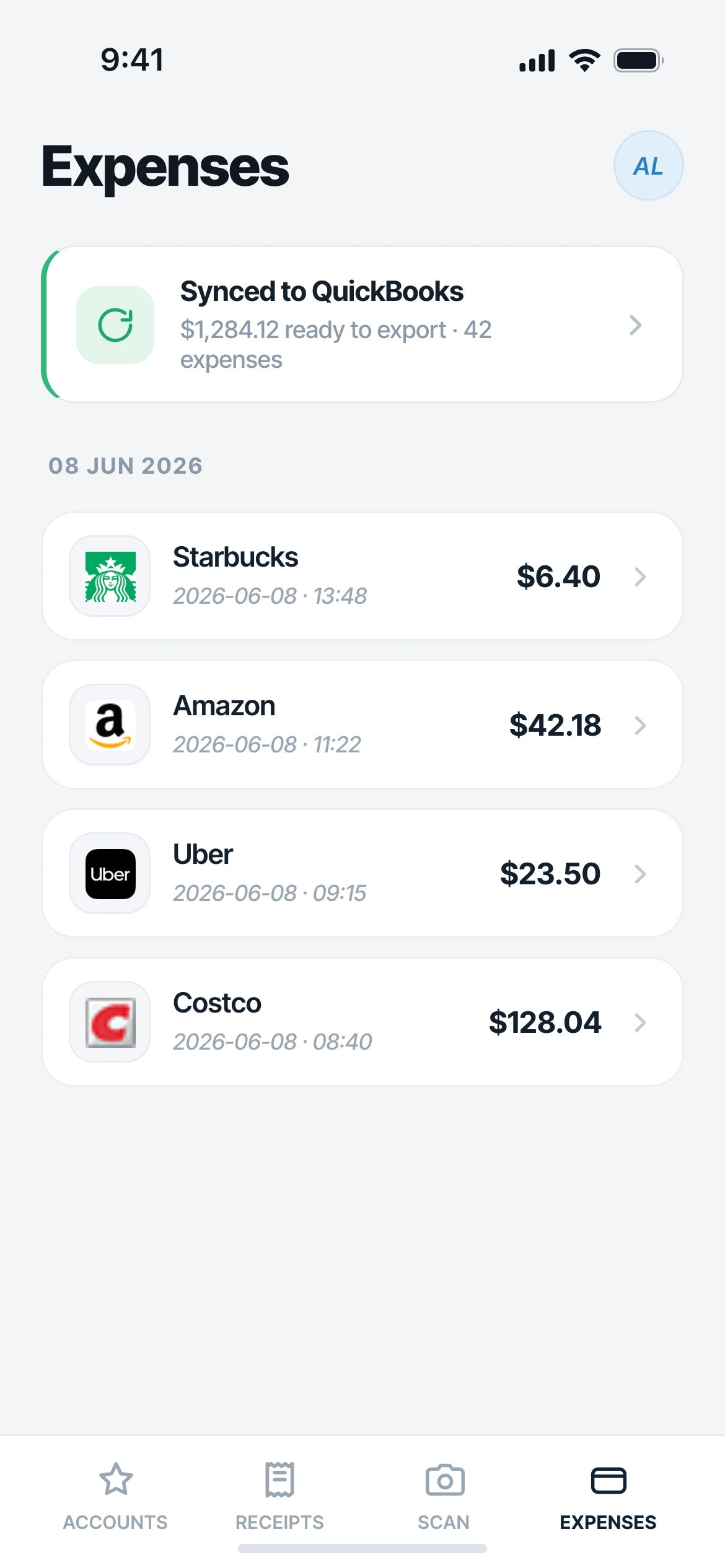
Mylo watches the connected inboxes and card feeds, reads the receipts it finds, matches them to transactions and writes the expense. When you sit down at 11pm the list is drafted and categorized. The job is reviewing, not typing.
- Receipts pulled from Gmail, Outlook, iCloud and Yahoo, read-only
- Matched to card and bank transactions through Plaid
- Categorized drafts waiting for a yes
Subscriptions
The renewals nobody is watching
Software spend hides because it is small, recurring and spread across several inboxes and several people’s cards. Mylo surfaces the charges that repeat, so the seat you stopped using becomes a decision instead of a surprise on a statement.
- Recurring charges surfaced from your own transactions
- Receipts and invoices attached to each one
- Ask what a vendor has cost you this year
Works with what you use
What it connects to on day one.
Inboxes
Gmail, Outlook, iCloud, Yahoo
Banks and cards
12,000+ via Plaid
Accounting
QuickBooks
Assistants
Claude, ChatGPT, Gemini
FAQ
Questions, answered.
Do we need a corporate card?
No. Mylo does not issue a card and does not require one. It works on the Visa, Mastercard and Amex accounts you already have, so there is no credit application and no moving spend onto a new program before you get value.
How much work is setup?
Connect an inbox and a bank or card account. Mylo starts from the receipts already sitting in the inbox, so drafts appear from history rather than from the next purchase forward. A backlog can be turned into expenses in one pass with bulk mode.
Everyone uses their own card. Is that a problem?
No. Each person connects their own accounts and inbox, expenses are drafted against their own transactions, and reports go through submission and approval, so reimbursements are recorded with a comment trail instead of a Slack message.
How does Mylo find subscriptions?
It looks at your own transactions and the receipts behind them for charges that repeat, then surfaces them together with what they cost. You still make the call on what to cancel. Mylo does not cancel anything for you.
Can I ask questions from Claude or ChatGPT?
Yes. Mylo has a read-only connector for Claude, ChatGPT and Gemini. The assistant can read your expenses and receipts to answer a question. It cannot spend, approve or change anything.
What does it cost?
Free to download on iOS, Android and the web, with a 30-day Pro trial, then $9 per user per month.
Keep exploring
Get the 11pm hour back.
Set up in a few minutes, on the cards you already carry.
30-day free trial. No card required, cancel anytime.