Expense reports · Approvals
Approve it in a tap. The receipt is already there.
Approvals do not stall because managers are indecisive. They stall because approving means hunting for the receipt, then chasing the person on Slack to ask what the $312 at Home Depot was for. Mylo puts the receipt, the matched card transaction and the category on the same screen as the approve button, so the decision takes seconds instead of a week.


30-day free trial. No card required, cancel anytime.
How it works
Submit, decide, export.
Three steps, and the approver never has to ask for anything. The receipt, the transaction and the category arrive with the request.
-
Step 1
Someone submits
Expenses Mylo drafted from receipts and card transactions get grouped into a report and submitted for approval.
-
Step 2
You see the whole picture
Each line shows the receipt, the transaction that paid for it and the category, so there is nothing to go and look up.
-
Step 3
Approve, deny or comment
Approve in a tap. Deny with a comment, and the submitter sees exactly who said what and can fix it and resubmit.
-
Step 4
Approved work exports
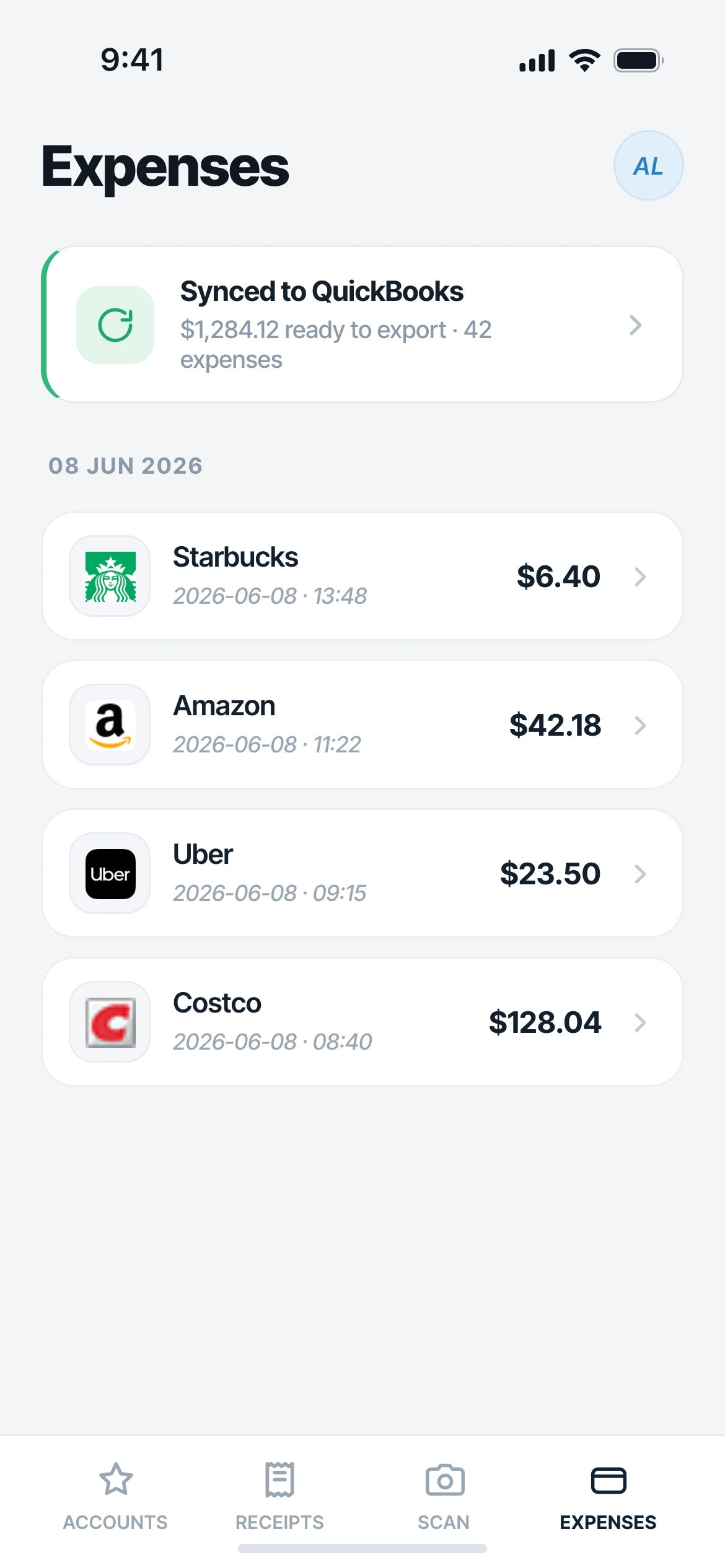
Approved expenses sync to QuickBooks categorized, with the receipt attached to the entry.
Nothing to chase, because nothing was ever missing.
Why it matters
Why approvals stop being the bottleneck.
No receipt hunt
The single biggest reason approvals sit untouched is that the proof is missing. In Mylo it is attached before the request is even sent.
Denials explain themselves
A denial leaves an attributed comment trail, so the person knows what was wrong and can correct it instead of guessing or re-submitting the same thing.
Decide from anywhere
The approver is usually the busiest person in the company. Doing it from a phone in a lobby is the difference between same day and next month.
A record that holds up
Who approved what, when, and with which receipt attached. The trail is there when the books get reviewed.
One queue
Everything submitted, in one place
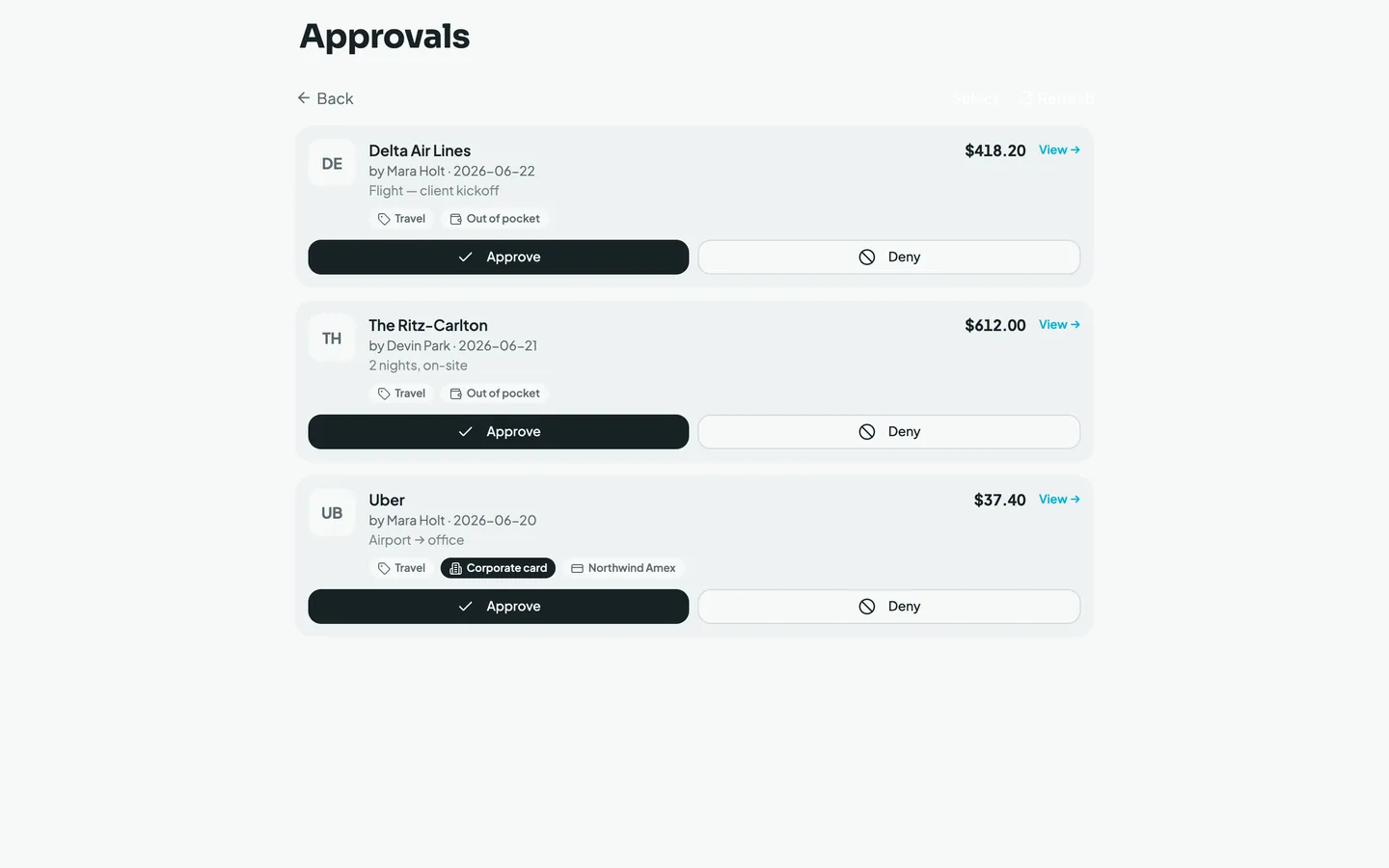
When someone submits an expense or a report, it lands in a single approval queue instead of an email thread. You see who submitted it, what it was, the amount, the category Mylo assigned and the receipt itself, without opening anything else.
- Receipt image attached to every line, not linked somewhere else
- The matched card or bank transaction shown next to it
- Category already applied, so you are checking it, not choosing it
From your phone
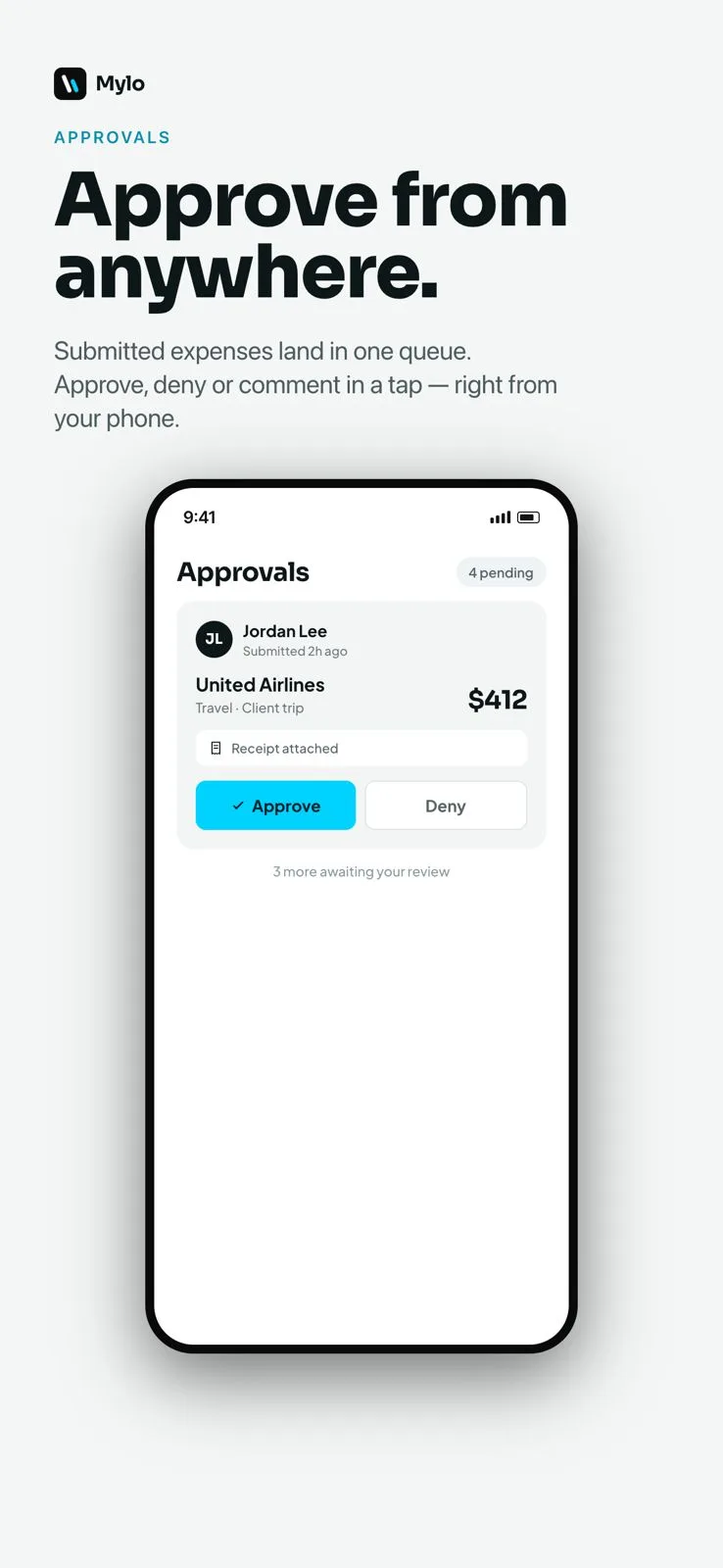
Approve between meetings
The queue is the same on the phone as it is on the web. Approve the clear ones on the walk to the car, and leave a comment on the one that needs an explanation. Approved expenses move straight on to export, so nothing sits waiting for you to get back to a desk.
- Approve, deny or comment from iOS, Android or the web
- Denials carry an attributed comment so the reason is on the record
- Approved expenses are ready to sync with the receipt in place
Works with what you use
Where approved expenses go.
Syncs to
QuickBooks
Every entry
Receipt attached
Matched against
12,000+ via Plaid
Available on
iOS, Android, web
FAQ
Questions, answered.
How does expense approval work in Mylo?
Expenses are drafted from captured receipts and matched card transactions, grouped into a report and submitted. They land in an approval queue where a manager can approve, deny or comment on each one. Approved expenses are then ready to export to QuickBooks.
Can I approve expenses from my phone?
Yes. The approval queue works the same on iOS, Android and the web, so you can clear submissions from a phone without waiting to get back to a computer.
What happens when an expense is denied?
A denial leaves an attributed comment on the expense, so the person who submitted it sees who denied it and why. They can fix the amount, the category or the missing receipt and submit it again.
Does the approver see the receipt?
Yes, and that is the point. The receipt image is attached to the expense, next to the bank or card transaction it was matched to and the category Mylo assigned, all on the same screen as the approve button.
What happens after an expense is approved?
It syncs to QuickBooks categorized, with the receipt attached to the entry, so your bookkeeper is not chasing documentation at month-end.
Can I add a comment without denying?
Yes. You can comment on an expense to ask a question or note context, and the comment stays attached to it with your name on it.
Keep exploring
Clear the approval queue on your phone.
Set up in a few minutes, on the cards you already carry.
30-day free trial. No card required, cancel anytime.