Close the books · Clean-up
A year behind. Caught up in an afternoon.
Clean-up work is rarely hard, it is just enormous. Hundreds of uncategorized transactions, a pile in Ask My Accountant, and receipts that were never collected in the first place. Mylo attacks the part that actually takes the time: it goes back through your inboxes and store accounts, finds the receipts that already exist, matches them to the transactions that paid for them, and hands you the whole backlog as drafted entries to approve.


30-day free trial. No card required, cancel anytime.
How it works
How a clean-up actually runs.
The order matters. Recover the documents first, because every categorization decision is easier once you can see what the money actually bought.
-
Step 1
Connect the history
Inboxes, bank and card accounts, and any store or supplier logins. Mylo reads backwards through what is already there.
-
Step 2
Recover the receipts
Emailed receipts, invoices and itemized documents behind logins are pulled in and read, including ones from months ago.
-
Step 3
Match to the money
Each recovered document is tied to the bank or card transaction that settled it, so paid is never a guess.
-
Step 4
Review in bulk
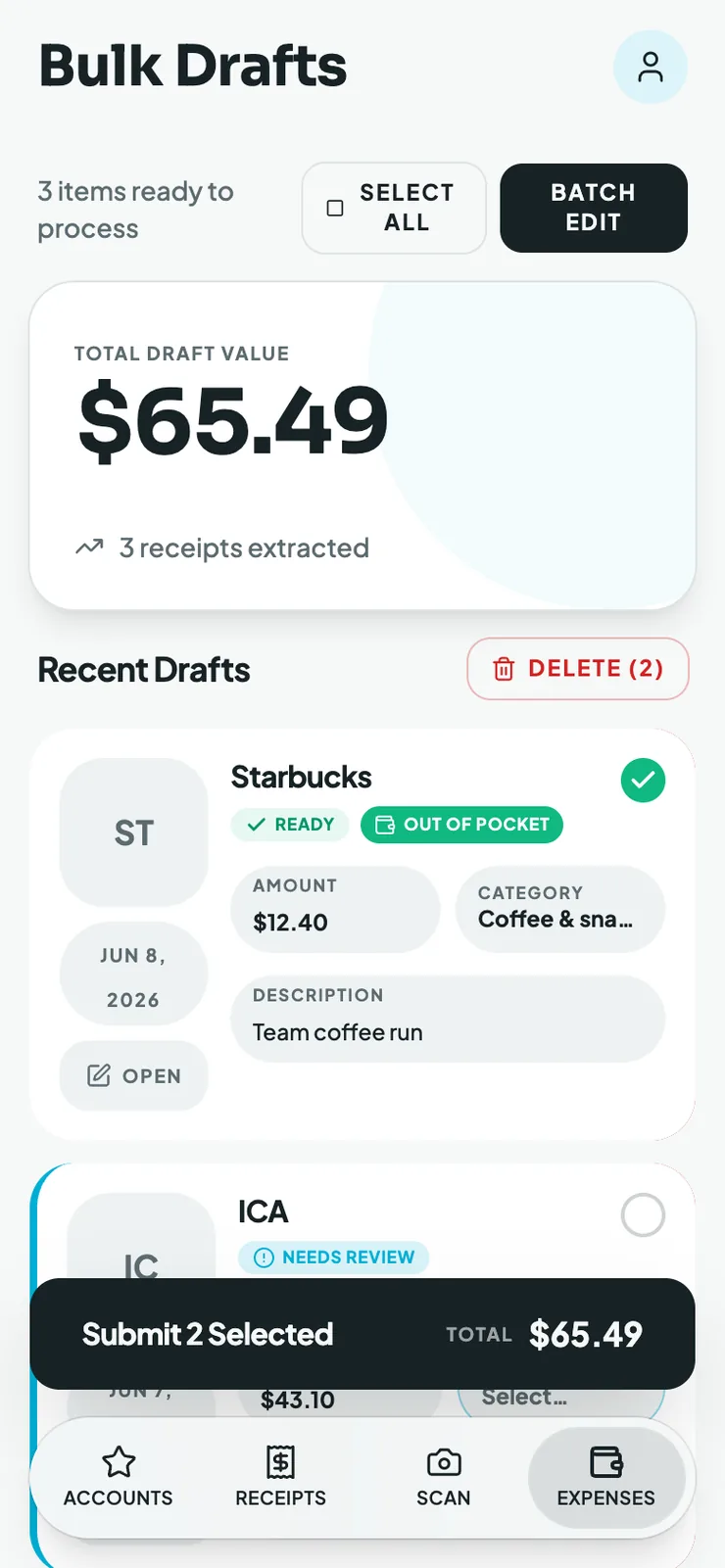
The backlog lands as drafted, categorized entries. Fix what is wrong across many at once and submit them together.
Most of a clean-up is not categorizing. It is hunting for receipts that no longer exist anywhere obvious.
Why it matters
Why clean-ups stall, and what changes.
The trail is not cold
A receipt you never filed is usually still in an inbox or behind a login. Mylo treats history as recoverable rather than lost.
Volume stops being the problem
Hundreds of entries reviewed in a grid is a different job from hundreds of entries opened one by one.
Defensible, not guessed
Entries carry the actual receipt instead of an estimate, which is what you want if the return is ever questioned.
It does not go stale again
The same connections that back-filled the year keep capturing going forward, so the next clean-up is smaller or unnecessary.
The hard part, solved first
The receipts are already there. You just never filed them.
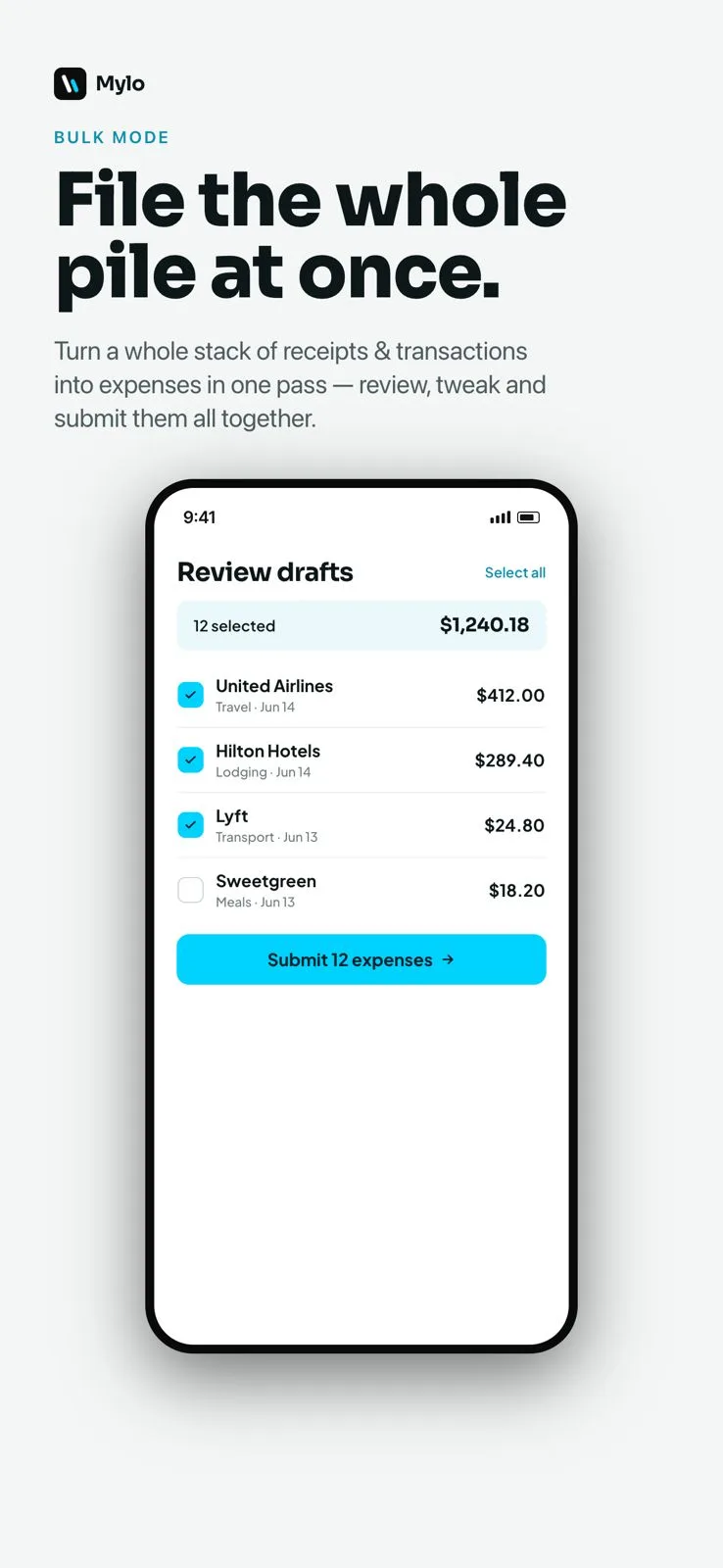
Connect the inboxes and store accounts and Mylo reads back through the history: the order confirmations, the emailed invoices, the itemized receipts sitting behind an Amazon or supplier login. Documents you would otherwise have written off as gone are recovered without anyone opening a mailbox and searching by hand.
- Years of emailed receipts read out of Gmail, Outlook, iCloud and Yahoo
- Itemized invoices fetched from connected store and service accounts
- Every recovered document stays attached to its entry as proof
Then the volume
Work the whole pile in one pass
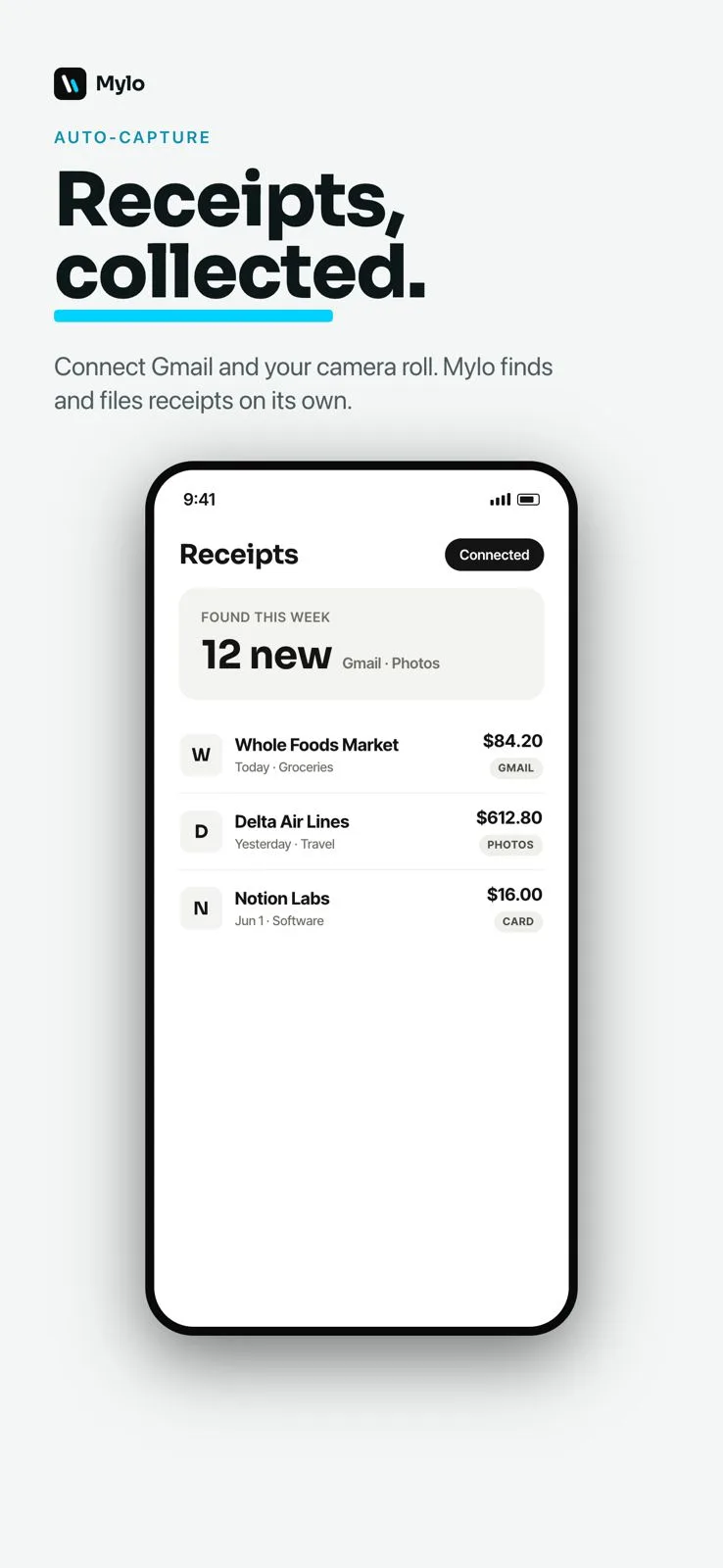
With the documents recovered and matched to bank and card transactions, what is left is review. Bulk mode puts the backlog in one grid so you fix categories across many entries at once instead of opening them one at a time, then post the lot to QuickBooks with receipts attached.
- Transactions matched to receipts through Plaid, across 12,000+ institutions
- Categories corrected in bulk, not one entry at a time
- Approved entries post to QuickBooks with the tax right and the receipt in place
Works with what you use
Built for catch-up work.
Back-fills from
Gmail, Outlook, iCloud, Yahoo
Transaction history
12,000+ via Plaid
Store accounts
Amazon, Uber, Verizon, Adobe
Posts to
QuickBooks
FAQ
Questions, answered.
What is a bookkeeping clean-up?
Catching up books that have fallen behind: categorizing a backlog of transactions, finding the receipts that back them up, reconciling the months that were never closed, and clearing out whatever landed in Ask My Accountant. It is usually triggered by a filing deadline, a loan application or handing the books to a new accountant.
Can Mylo find receipts from months ago?
Yes, and that is the part that saves the most time. When you connect an inbox, Mylo reads back through the history rather than only watching for new mail, so receipts and invoices from previous months and years are recovered. Connected store accounts work the same way for itemized invoices.
What if a receipt genuinely does not exist?
Some will not be recoverable, and Mylo does not pretend otherwise. Those entries are still categorized and matched to the transaction that paid for them, and flagged so you can decide how to treat them with your accountant.
Can my accountant or bookkeeper run the clean-up for me?
Yes. Firms use Mylo across a book of clients, connecting the client’s inboxes and accounts, letting Mylo draft the history, then reviewing the backlog in bulk rather than chasing documents over email. See the accountants page for how that works.
How long does a clean-up take?
It depends on the size of the backlog, but the shape of the work changes more than the size. Recovering documents runs on its own, and the review is done in a grid across many entries at once instead of one entry at a time.
Does the cleaned-up data go into QuickBooks?
Yes. Approved entries post to QuickBooks already categorized, with the right tax applied and the recovered receipt attached to the entry.
Keep exploring
Point Mylo at the backlog.
Set up in a few minutes, on the cards you already carry.
30-day free trial. No card required, cancel anytime.