Industries · Nonprofits
Every dollar, documented.
A nonprofit spends other people’s money, and three different audiences will ask about it. The board wants the summary. The auditor wants the receipt. The grant report wants the detail, months after the purchase was made. Mylo captures the receipt at the moment of spend, keeps it attached to the expense, and records who approved it and what they said.


30-day free trial. No card required, cancel anytime.
How it works
From a volunteer’s card to the audit file.
Most nonprofit spending happens on somebody’s personal card, far from the finance desk. Mylo catches it there instead of waiting for a reimbursement form to come back.
-
Step 1
The receipt gets captured
Emailed receipts arrive from connected inboxes automatically. Paper ones get texted in or scanned with the camera. Nobody has to keep an envelope until Friday.
-
Step 2
Matched to what paid for it
Mylo matches the receipt to the card or bank transaction through Plaid, so the documentation and the money agree.
-
Step 3
Submitted and approved
The expense goes into a report. An approver signs off or sends it back with a comment, and the exchange is recorded against the entry.
-
Step 4
Into the books
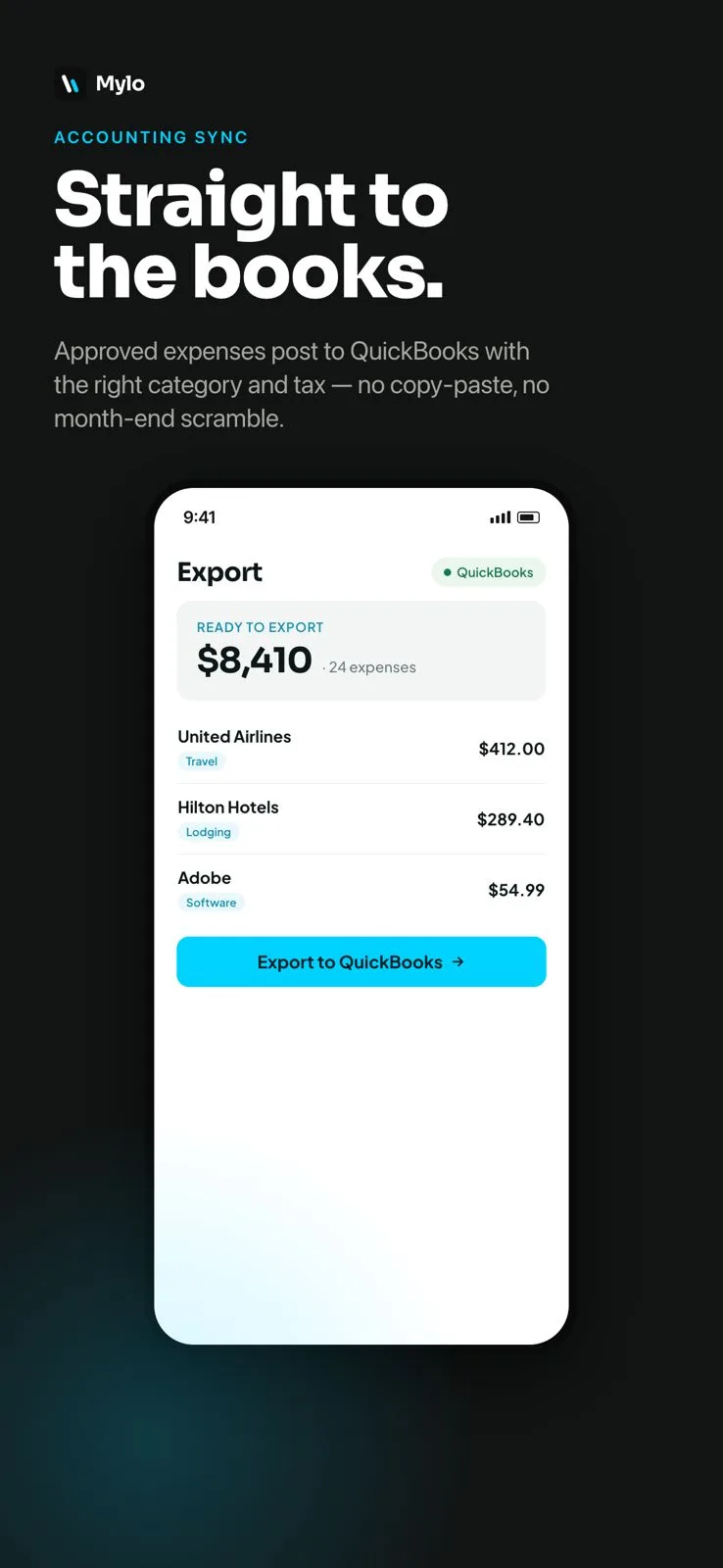
Approved expenses sync to QuickBooks with the category, the tax and the receipt image attached.
When the auditor asks, the answer is already attached.
Why it matters
What this changes at audit time.
Documentation, not recollection
Every entry carries its own proof. You are not reconstructing a purchase from a bank line six months after it happened.
A named approval trail
The board and the auditor can see who authorized a spend and what was said about it, in writing, on the entry itself.
Reimbursements stop dragging
A volunteer texts the receipt from the store instead of mailing it in. The report is ready while the purchase is still fresh.
Answers on demand
Ask in plain English what was spent in a month or with a vendor, then open the entry and see the receipt behind the number.
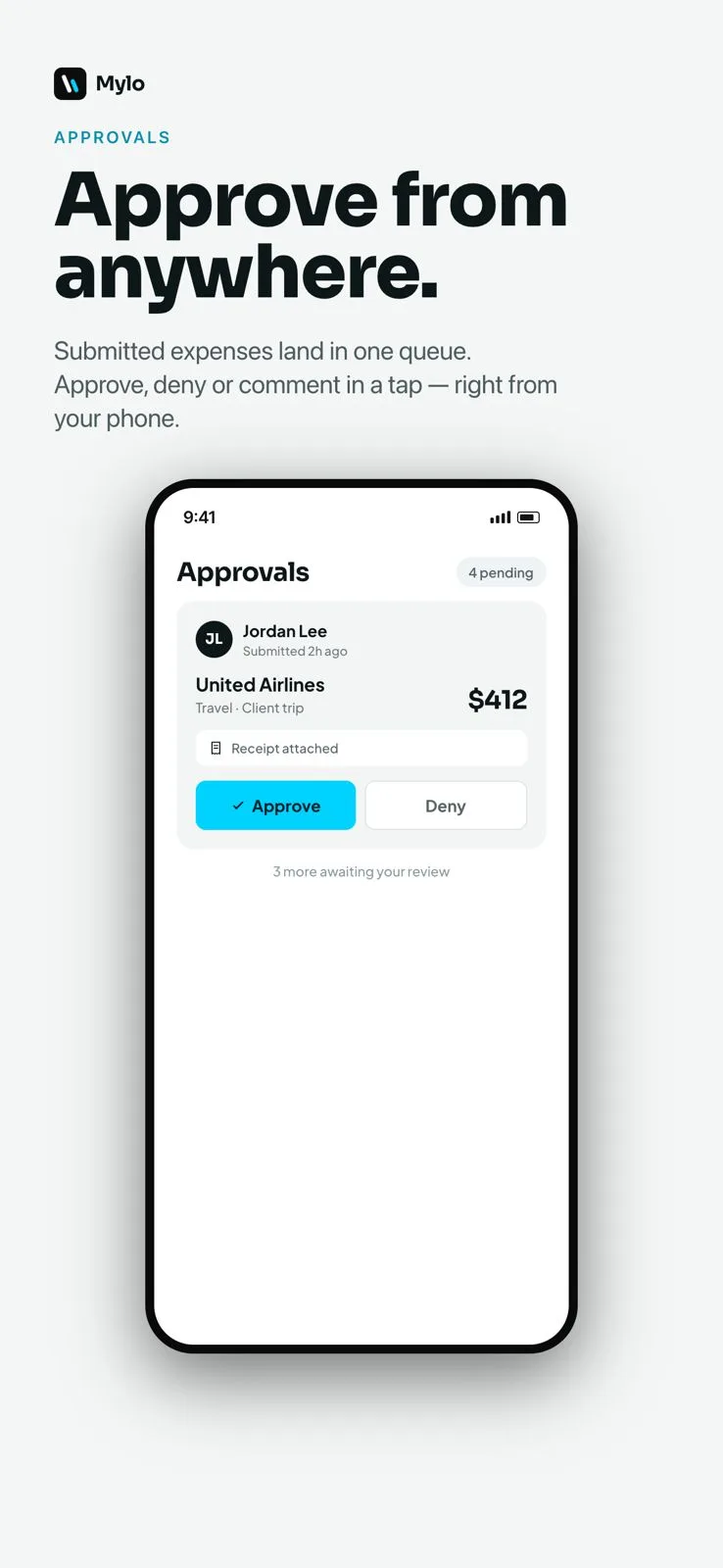
Approvals
Who approved it, and what they said
Staff and volunteers submit expenses. A director approves or denies them, and every comment is attributed to a person and a date. The trail is not somebody’s memory of an email thread. It is part of the record.
- Submit, approve or deny with a written reason
- Comments attributed to a named person
- The denial and the correction both stay on the record
Backup
The receipt never leaves the entry
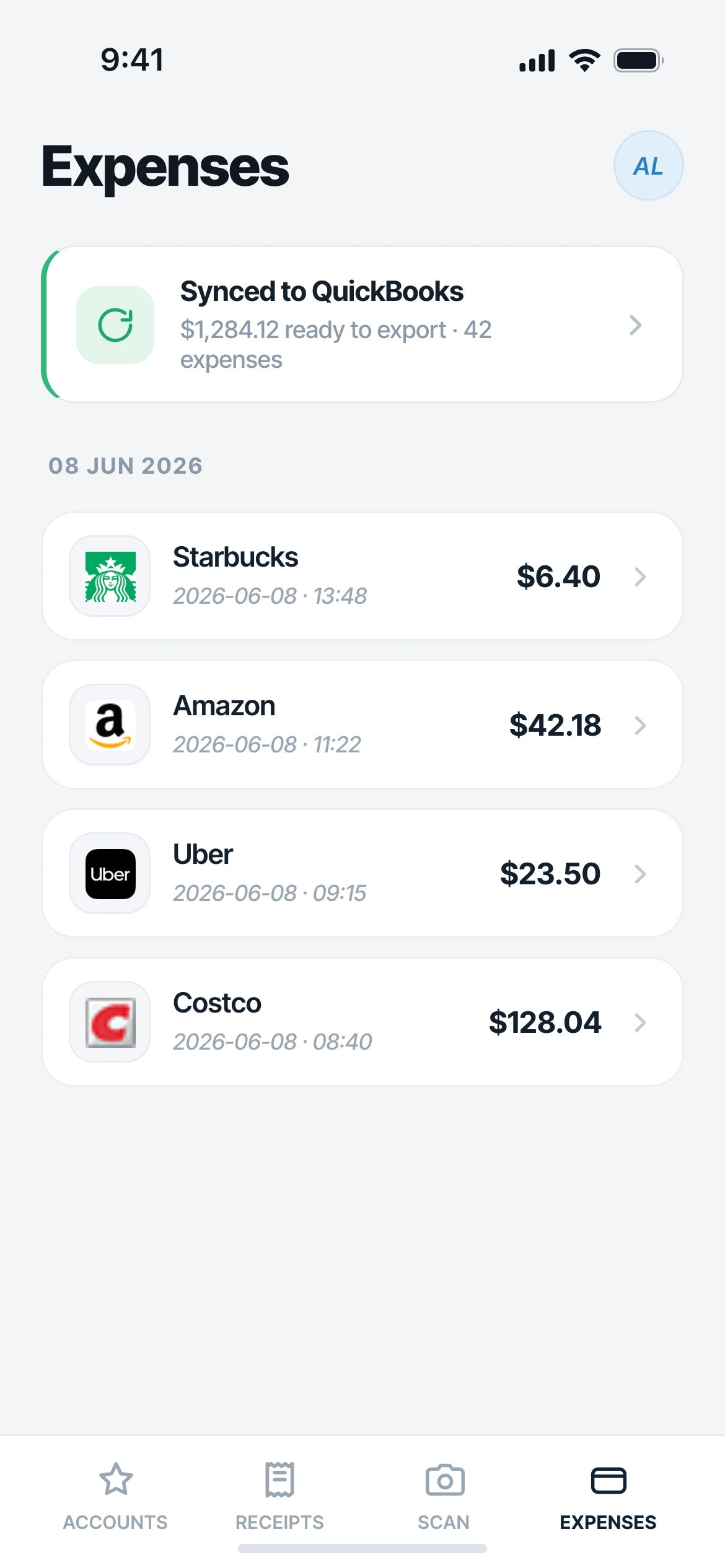
A volunteer’s Costco run, the program director’s Home Depot trip, the emailed invoice from a printer. Mylo pulls receipts from connected inboxes, from a texted photo, from a camera scan, and attaches the original image to the expense. When it syncs to QuickBooks, the receipt goes with it.
- Captured from inboxes, texts, photos and card matches
- The original image kept as the backup document
- Syncs to QuickBooks with category, tax and receipt in place
Works with what you use
Works with what you already run.
Accounting
QuickBooks
Receipts from
Gmail, Outlook, iCloud
Cards and banks
12,000+ via Plaid
Cards
Your existing Visa, Mastercard, Amex
FAQ
Questions, answered.
Does Mylo do fund or grant accounting?
No, and it is worth being blunt about it. Mylo does not track restricted funds, grant budgets or program allocations. What it does is make the documentation behind each transaction airtight, then hand clean categorized expenses with receipts attached to QuickBooks, where your fund structure lives.
Our staff and volunteers use personal cards. Does that work?
Yes. Mylo does not issue a card and does not require one. People spend on their own Visa, Mastercard or Amex, Mylo captures the receipt and matches it to the transaction, and the expense goes through approval as a reimbursement.
Can a volunteer submit a receipt without installing anything?
Yes. They can text a photo of the receipt to a Mylo number from any phone. No app and no login on their side. It comes back as a categorized expense with the image attached.
Will the receipt still be there at audit time?
The original image stays attached to the expense, and it goes to QuickBooks with the entry. Pulling backup for a sample of transactions means opening them, not digging through a filing cabinet.
How do approvals work?
An expense is submitted, an approver approves or denies it, and comments are attributed to a person with a date. A denial explains itself, so the person who submitted it knows exactly what to fix.
What does it cost for a small organization?
The app is a free download on iOS, Android and the web, with a 30-day Pro trial, then $9 per user per month.
Keep exploring
Make every dollar defensible.
Set up in a few minutes, on the cards you already carry.
30-day free trial. No card required, cancel anytime.