Expenses · Mileage
The one expense with no receipt.
Every other business expense leaves a paper trail. A card charge, an emailed invoice, a slip in your pocket. The drive to the client leaves nothing, which is exactly why it is the one that goes missing. Mylo lets you enter the trip, works out the distance from the route, and turns it into a mileage expense that sits in the same list as the Home Depot run and the airport Uber.


30-day free trial. No card required, cancel anytime.
How it works
From the drive to the report.
Mileage is only ever lost at the first step. Once it is an expense in Mylo, it moves exactly like everything else you spend.
-
Step 1
Add the drive
Enter the trip you made and what it was for, from the phone or the web, while you still remember it.
-
Step 2
Mylo works out the distance
The distance comes from the route between the points you entered, so you are not estimating and nobody is arguing about it later.
-
Step 3
It becomes an expense
The drive is filed as a mileage expense with its date and purpose, sitting in the same list as your receipts and card transactions.
-
Step 4
It exports with everything
Submit it in a report, get it approved and sync it to QuickBooks along with the rest of the month.
No receipt to lose, because there was never one to begin with.
Why it matters
Why mileage is the expense people drop.
Nothing prompts you
A card charge shows up in your feed. A drive does not. Mileage only gets logged if logging it is quick, so Mylo keeps it to entering the trip.
A defensible number
Distance from the route beats a guess written down three weeks later, both for your own records and for anyone reviewing them.
One list, not two
Mileage tracked in a separate app is mileage nobody reconciles. In Mylo it is in the same expense list as everything else.
Approved like the rest
It goes through submission and approval with your other expenses, so there is no side channel for the one expense with no receipt.
Enter the trip
Where you went, not what you guessed
Give Mylo the trip and it works out the distance from the route rather than asking you to estimate it in a text box. That is the difference between a number you can stand behind and a round figure someone will question later.
- Distance calculated from the route, not typed in from memory
- Log it the same day or catch up on a week of drives
- Date, purpose and distance stored on the expense
Same treatment
It lives with the rest of the spend
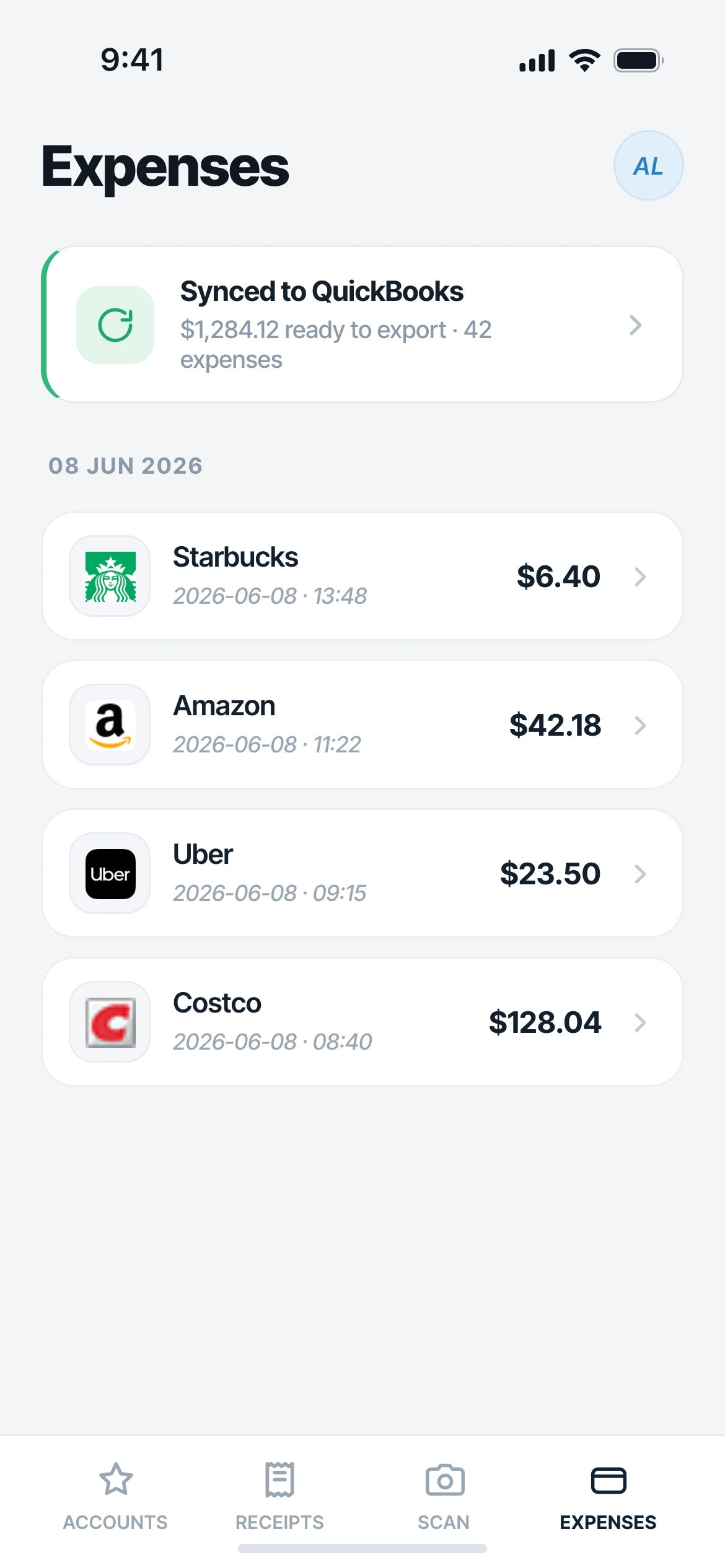
A mileage expense is not filed somewhere separate. It shows up in your expense list next to the captured receipts and matched card transactions, goes into the same report, through the same approval, and out through the same export.
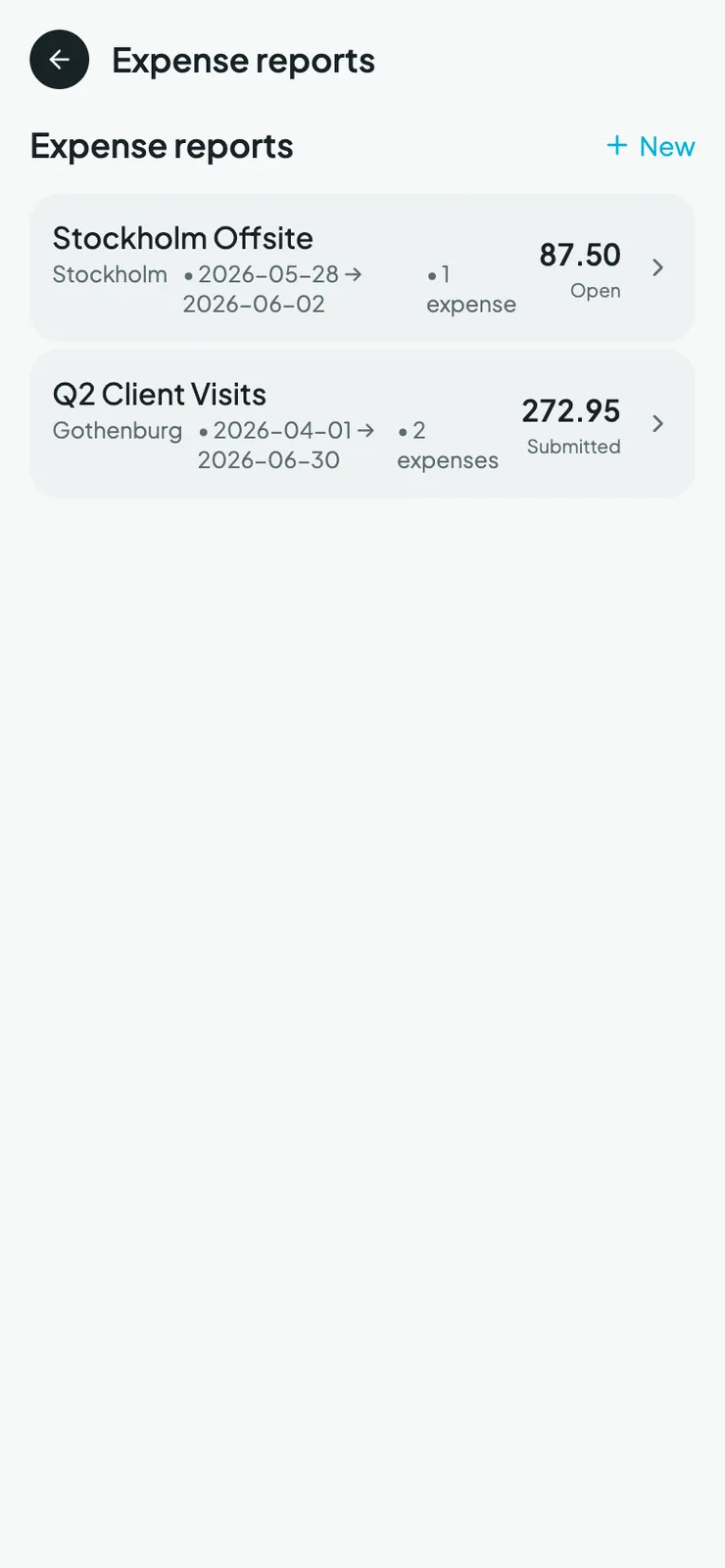
- Included in expense reports with everything else
- Submitted and approved through the normal flow
- Exports to QuickBooks alongside your other expenses
Works with what you use
How mileage fits the rest of Mylo.
Filed as
A normal expense
Goes through
Reports and approval
Exports to
QuickBooks
Available on
iOS, Android, web
FAQ
Questions, answered.
How do I log mileage in Mylo?
Add the drive as an expense, entering the trip you made and what it was for. Mylo works out the distance from the route and files it as a mileage expense in your normal expense list.
Does Mylo detect my drives automatically in the background?
No. Mylo does not run background GPS tracking or auto-detect trips. You log the drive, and Mylo does the distance calculation and the filing from there.
Can I log a drive I made last week?
Yes. You can enter past drives and set the date, which is how most mileage actually gets recorded. The distance is still worked out from the route rather than estimated.
Does mileage go into my expense report?
Yes. A mileage expense sits alongside your captured receipts and matched card transactions, goes into the same report, and follows the same submission and approval flow.
Does mileage sync to QuickBooks?
Approved expenses sync to QuickBooks, and mileage expenses export with the rest of them rather than being handled separately.
Does Mylo handle my tax filing for mileage?
No. Mylo records the drive, the distance and the purpose, and gets that into your books and your accountant’s hands. Filing and the rate you apply are between you and your accountant.
Keep exploring
Stop losing the drives.
Set up in a few minutes, on the cards you already carry.
30-day free trial. No card required, cancel anytime.