Expenses · Bulk mode
Three months behind. One pass.
Expense tools are built for the person who files one receipt at a time on the day it happens. Nobody is that person. The real situation is a quarter of untouched spend and one evening to deal with it. Bulk mode is for that evening. The whole backlog shows up as a grid you can read across, fix in groups, and submit together.


30-day free trial. No card required, cancel anytime.
How it works
Why the backlog is smaller than it looks.
By the time you open bulk mode, most of the work is already done. Mylo has been capturing and drafting in the background. What is left is confirmation.
-
Step 1
The receipts are already in
Inbox capture, connected store logins, camera roll and texted photos have been filling the pile the whole time you were behind.
-
Step 2
The charges are already matched
Bank and card transactions are matched to their receipts through Plaid, so the pairing is done before you sit down.
-
Step 3
You review the grid
Scan the whole period at once, fix the categories that are wrong, and flag anything personal so it never reaches the books.
-
Step 4
Submit and sync
Send the selection through as an expense report and sync approved expenses to QuickBooks with receipts attached.
The backlog is not 84 decisions. It is about six.
Why it matters
Built for catching up, not for keeping up.
One sitting, not twelve
A quarter of expenses in one grid is a single evening. The same quarter one card at a time is why it did not get done.
Consistent categories
Categorizing side by side is how you get the same merchant into the same account every time. Doing it weeks apart is how you do not.
Made for accountants
Onboarding a client with a year of history is the normal case, not the exception. Bulk mode is how you get through it.
Nothing goes in undocumented
Missing receipts are visible in the grid before you submit, so you find the gaps now instead of at filing time.
See it all at once
A grid, not a queue of cards
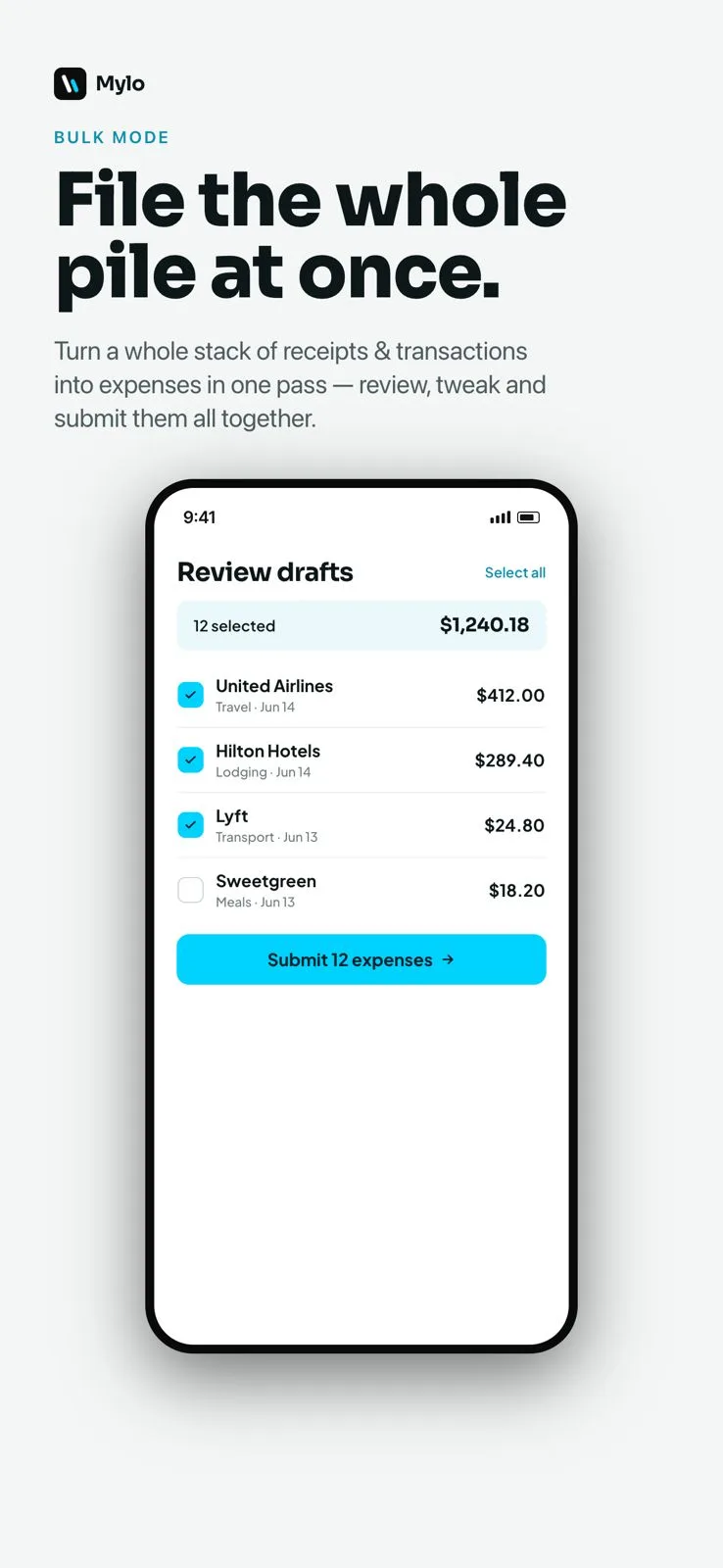
One row per expense, with the merchant, date, amount, category and whether a receipt is attached. Reading down a column is how you spot the twelve Home Depot runs that all belong in the same place, and the three that do not.
- Sort and scan by merchant, date, amount or category
- See at a glance which expenses are still missing a receipt
- Drafts Mylo already built from your receipts and bank feed
Fix in groups
Select many, change once, submit together
Select every row that belongs to the same category and set it in one action. Then select the lot and submit it as a report. The work collapses from one decision per expense to one decision per pattern.
- Recategorize a whole group in a single action
- Submit a month or a quarter as one expense report
- Receipts stay attached to every expense that goes through
Works with what you use
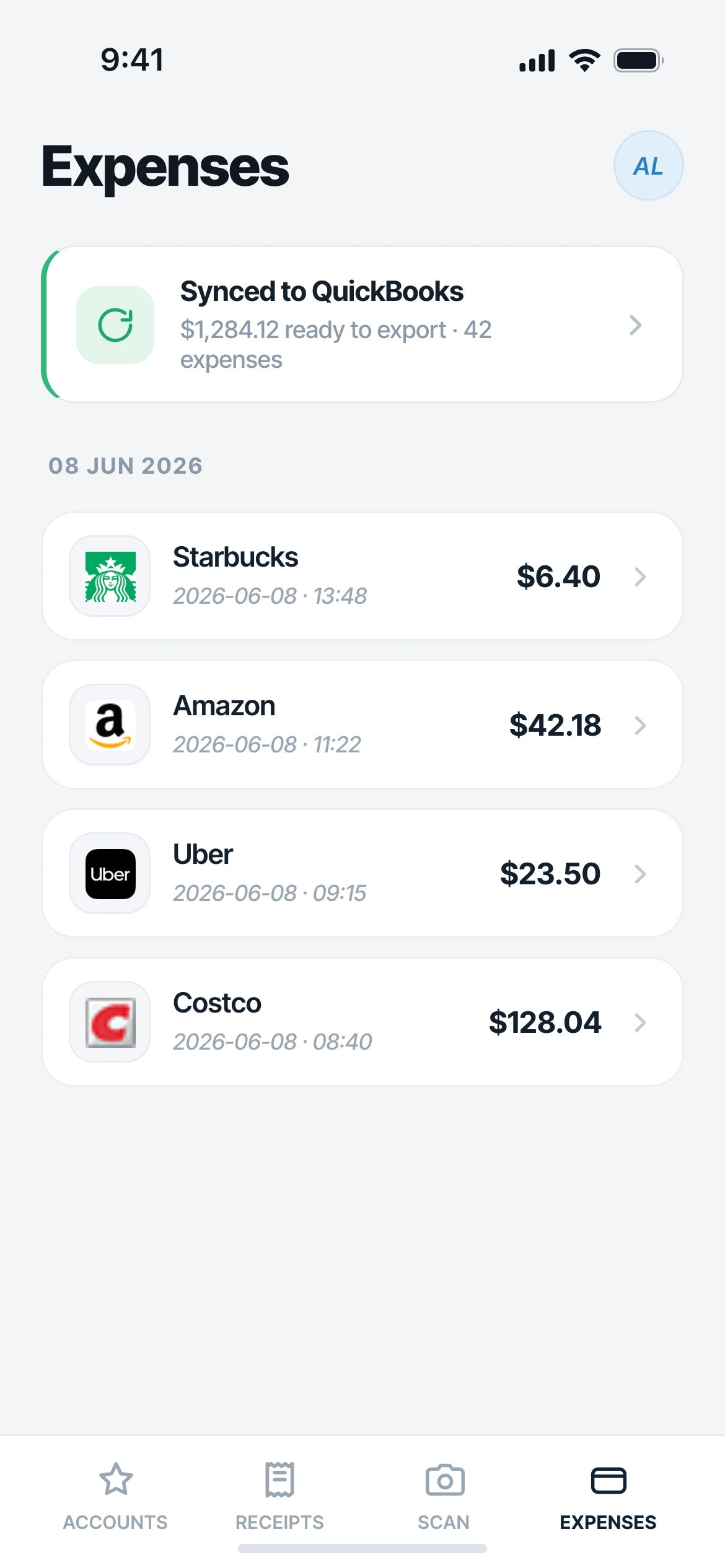
Where the backlog comes from.
Inboxes
Gmail, Outlook, iCloud, Yahoo
Transactions
12,000+ via Plaid
Photos
Camera roll and texted receipts
Syncs to
QuickBooks
FAQ
Questions, answered.
What is bulk mode?
A view that puts many expenses in one grid so you can review, recategorize and submit them together instead of opening each one. It is designed for catching up on a backlog rather than filing a single receipt.
How far back can I go?
As far back as the receipts and transactions Mylo has captured. Because Mylo back-fills receipts from your connected inboxes and matches historical bank transactions, there is usually a lot more history available than you expect on day one.
Can I change the category on many expenses at once?
Yes. Select the rows that belong together and set the category in one action. That is most of what makes a backlog fast, because a backlog is usually a few repeating merchants rather than a hundred unique ones.
Can an accountant use this to onboard a client?
That is one of the main reasons it exists. Connect the client’s inboxes and bank accounts, let Mylo capture and draft the history, then work through a year in the grid instead of chasing documents by email.
Do receipts stay attached when I submit in bulk?
Yes. Every expense keeps its original receipt or invoice attached, and approved expenses sync to QuickBooks with the receipt in place.
What about personal charges mixed in?
They show up in the same grid, which is the point. Review them alongside everything else and leave them out of the report you submit so they never reach the books.
Keep exploring
Clear the backlog in one sitting.
Set up in a few minutes, on the cards you already carry.
30-day free trial. No card required, cancel anytime.