Accounting sync · QuickBooks
Clean books, synced to QuickBooks.
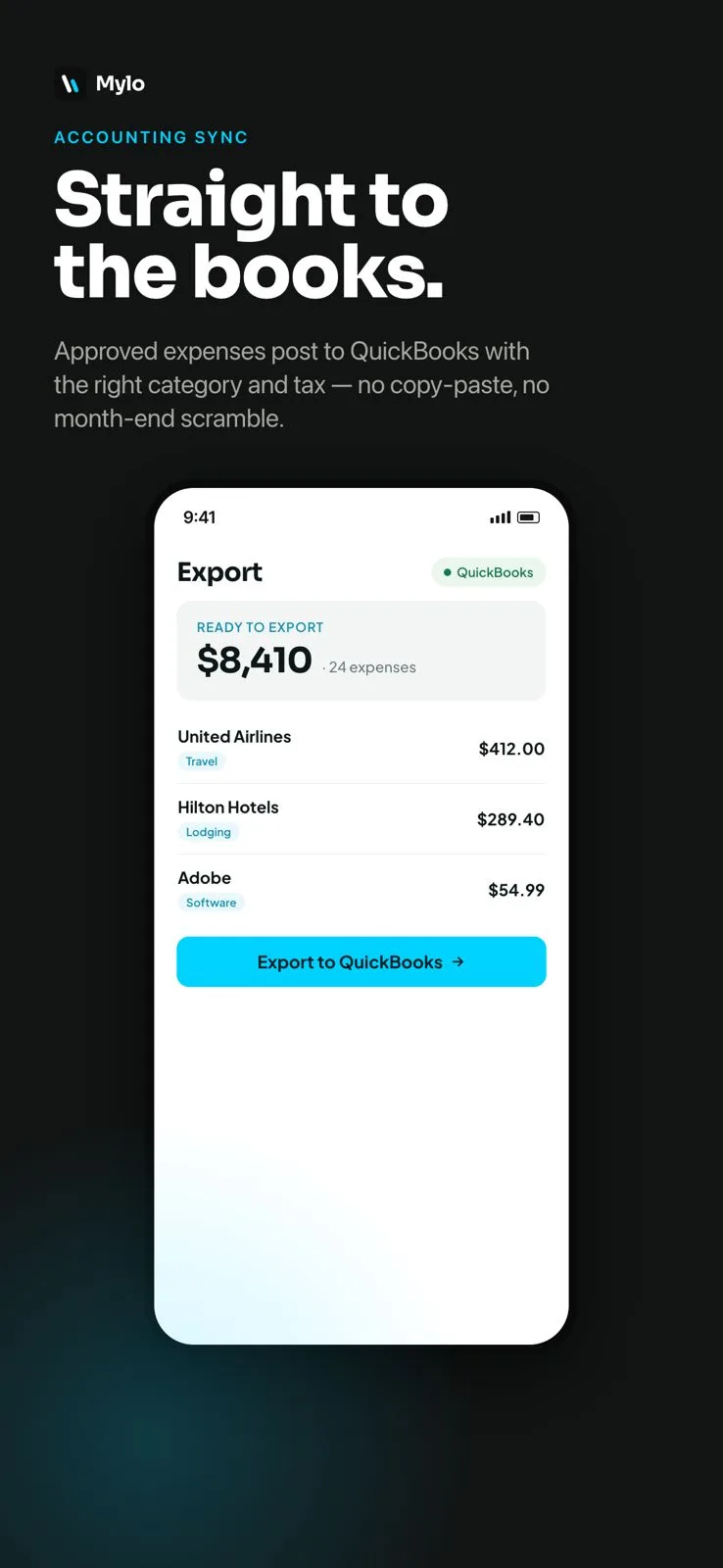
Approved expenses post to QuickBooks already categorized and with the right tax, receipts attached. Month-end stops being a copy-paste marathon and your books stay clean on their own.


30-day free trial. No card required, cancel anytime.
How it works
From expense to ledger, automatically.
By the time an expense reaches your books, it is already categorized, taxed and backed by a receipt.
-
Step 1
Capture & categorize
Mylo files each receipt as a categorized expense and matches it to the transaction that paid for it.
-
Step 2
Approve
Expenses move through approvals in a tap, so only reviewed items make it to the books.
-
Step 3
Sync to QuickBooks
Approved expenses post to QuickBooks with the right category and tax, and the receipt attached to each entry.
Approved expenses land in QuickBooks, categorized, taxed and backed by a receipt.
Why it matters
Month-end without the scramble.
No copy-paste
Stop re-typing expenses into your accounting tool. Approved items flow straight through.
Correct categories and tax
Each expense arrives mapped to the right category with tax applied, so the books need less cleanup.
Receipts attached
Every synced entry carries its receipt, so backup is always one click away at tax time.
Faster close
Because expenses are reconciled and categorized as they happen, closing the month takes far less time.
Already categorized
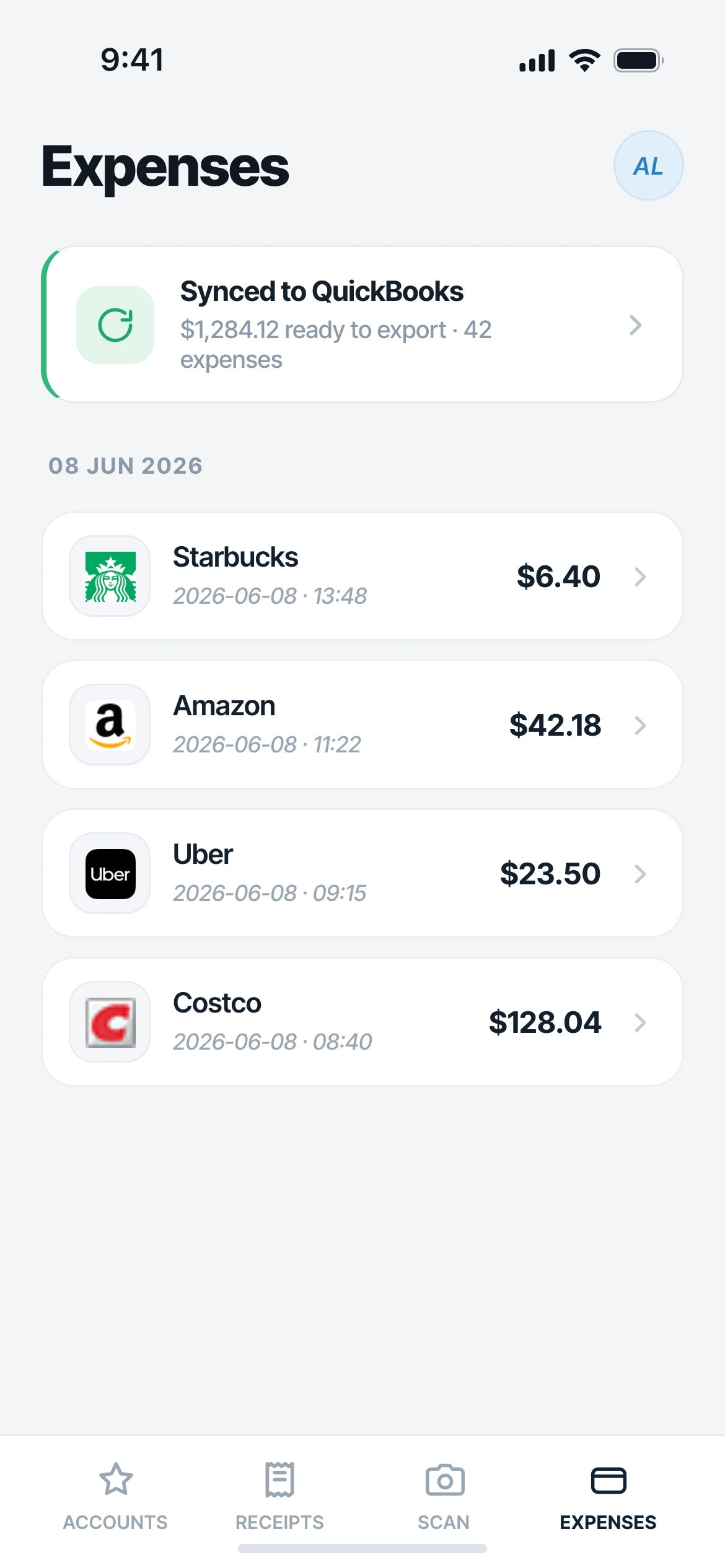
Expenses arrive ready for the ledger
By the time an expense reaches your books it is categorized with the right tax applied, so there is no re-typing and far less cleanup at close.
- Categories mapped to your QuickBooks accounts
- Correct tax applied before it syncs
- Only approved items make it through
Backup in place
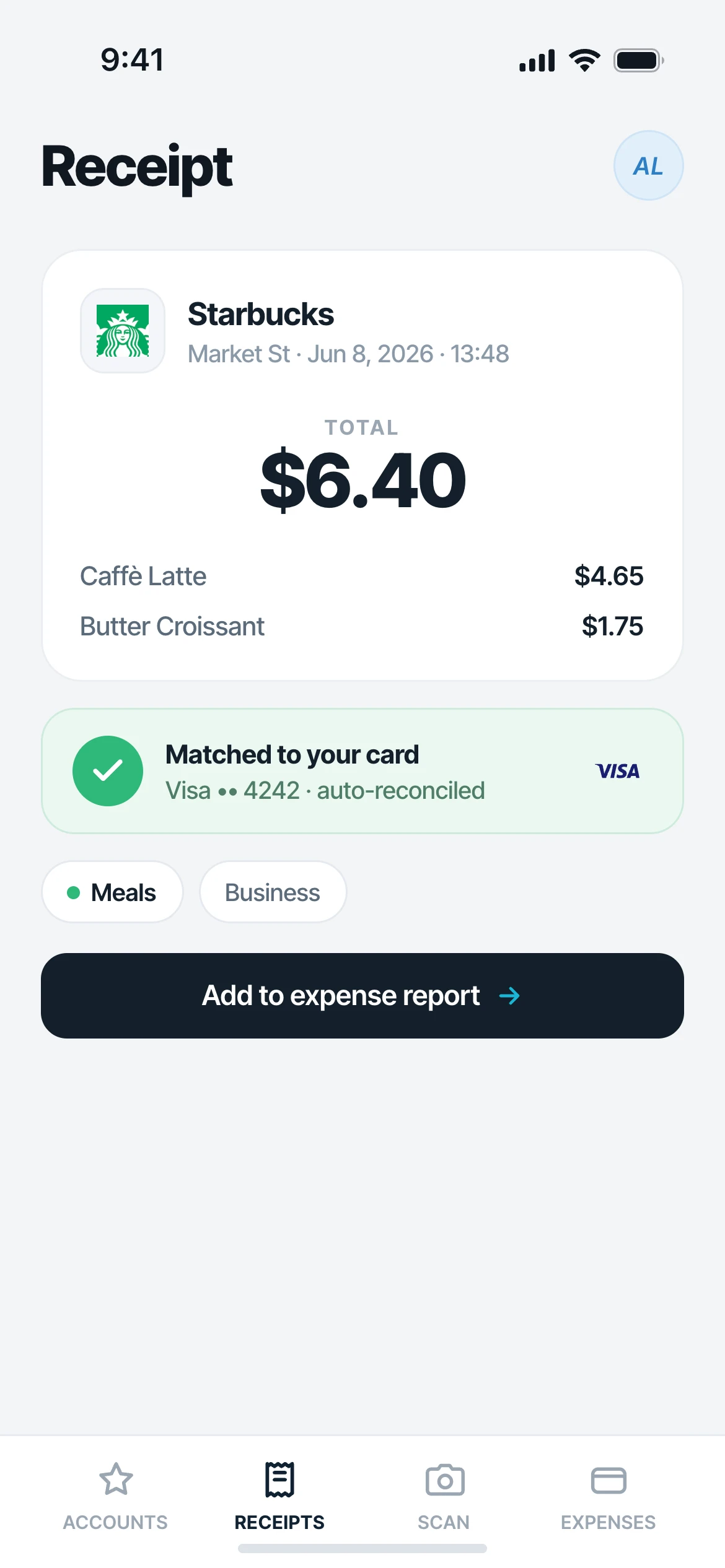
A receipt on every entry
Each synced expense carries its matched receipt, so when it is time to file or answer a question, the proof is one click away.
Set it once
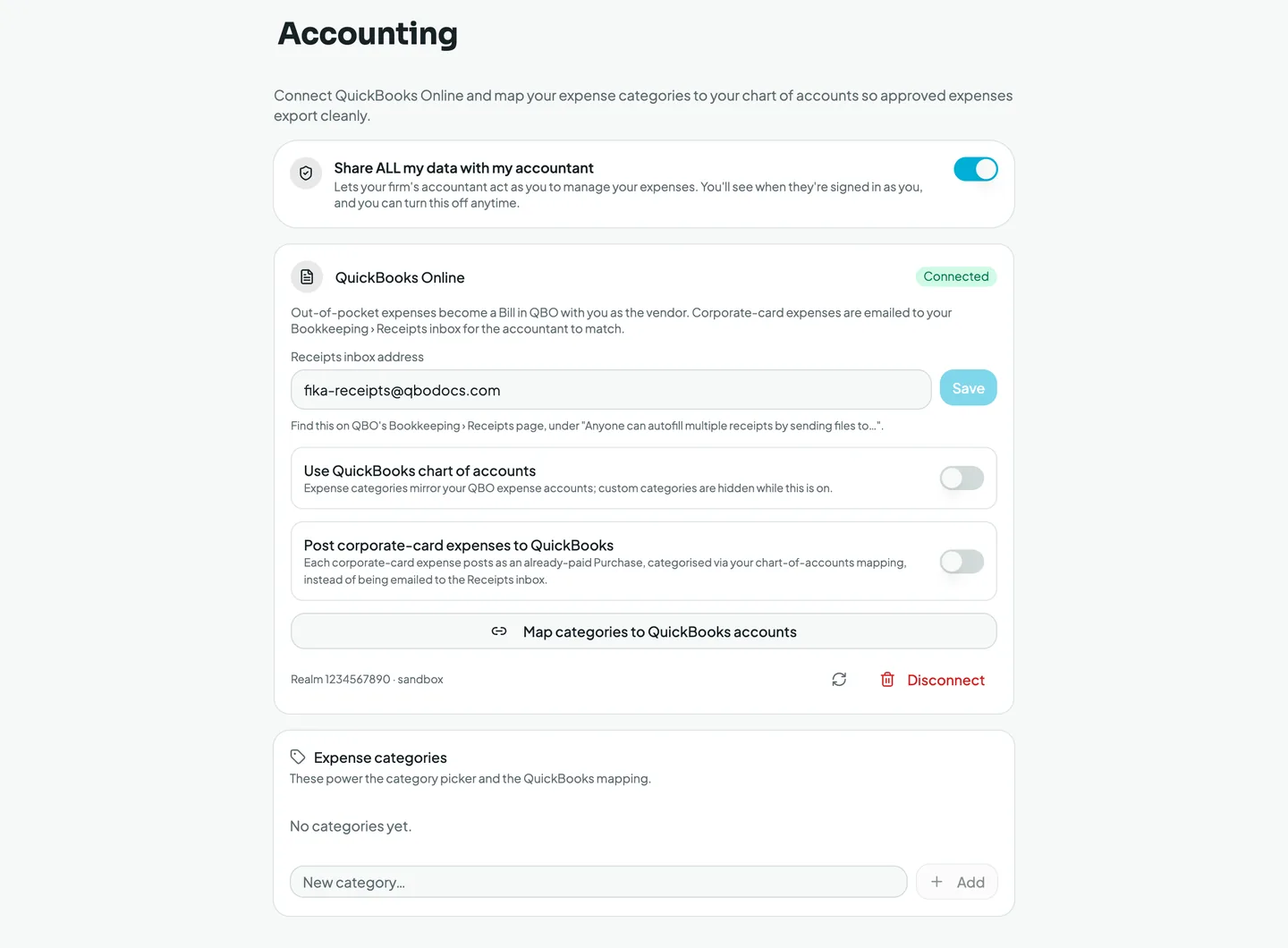
Mapped to the way your books work.
Connect QuickBooks Online and map your categories to the chart of accounts, so every synced expense lands on the right line.
Works with what you use
Fits your accounting workflow.
Accounting
QuickBooks
Each entry
Receipt attached
More integrations
On the way
FAQ
Questions, answered.
Does Mylo sync with QuickBooks?
Yes. Approved expenses sync to QuickBooks already categorized and with the right tax applied, and each entry carries its receipt.
Are receipts attached to each expense?
Yes. Every expense that syncs to QuickBooks brings its matched receipt with it, so your backup is always in place.
What about categories and tax?
Mylo categorizes expenses and applies the correct tax before they sync, so your books need far less manual cleanup.
Which other accounting tools are supported?
QuickBooks is supported today, with more accounting integrations on the way.
Do I have to sync everything?
No. Only approved expenses sync, and you stay in control of what is shared or exported at every step.
Keep exploring
Keep your books clean on autopilot.
Set up in a few minutes, on the cards you already carry.
30-day free trial. No card required, cancel anytime.